Transactions
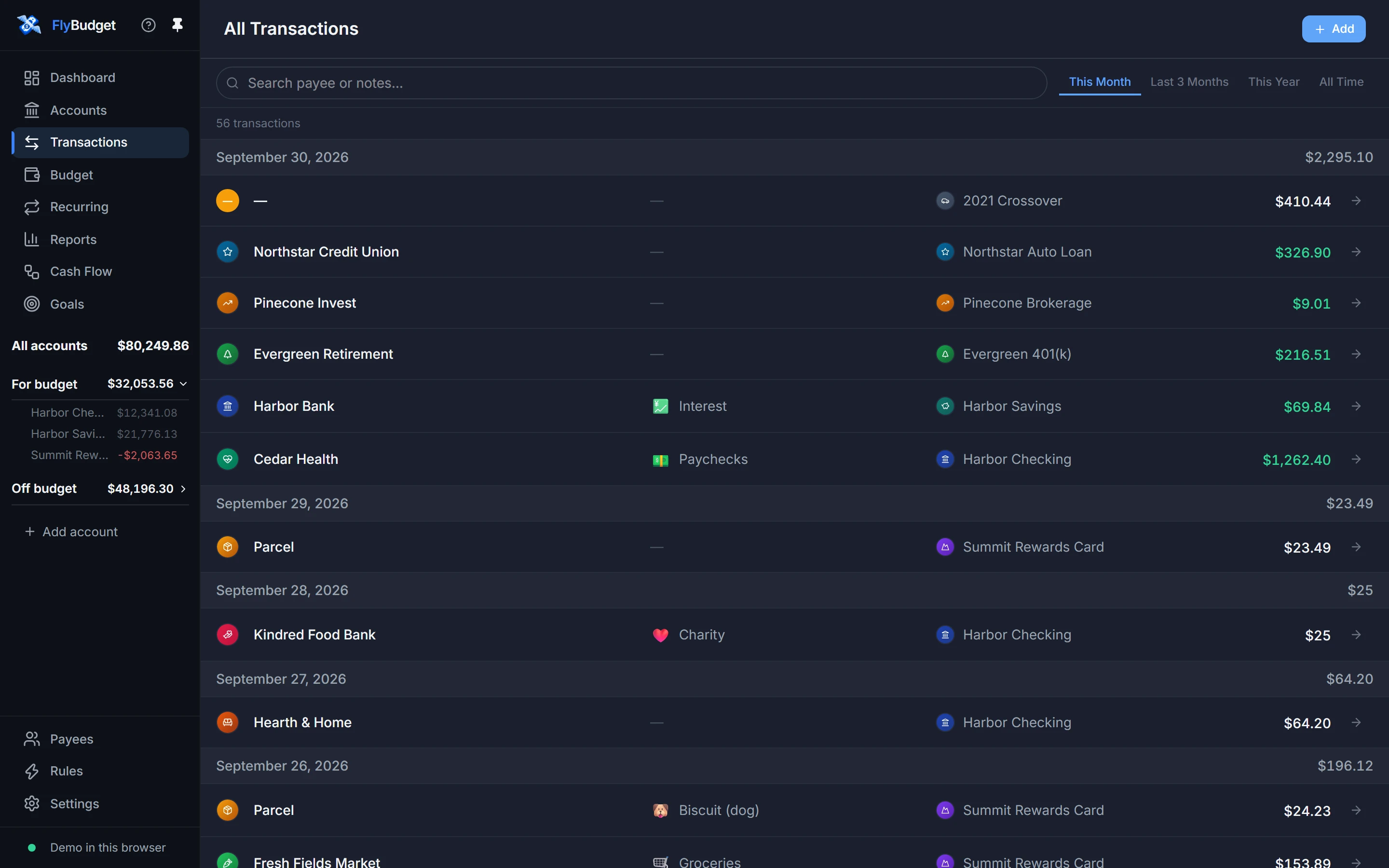
Transactions shows every transaction from every account in one list, grouped by day. Search by payee or notes, pick a period (this month, the last three months, this year or all time), and use Add to enter a new one.
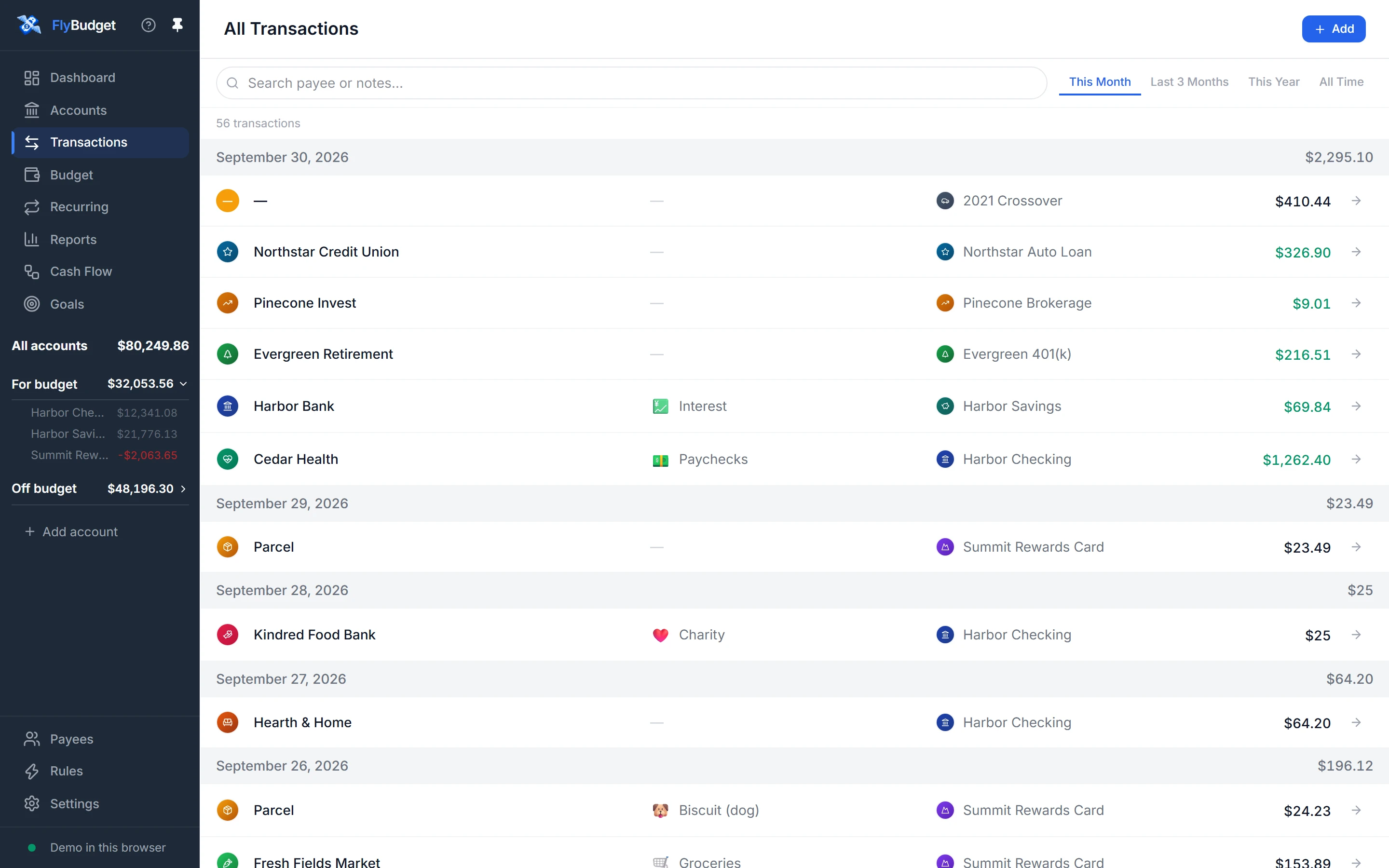
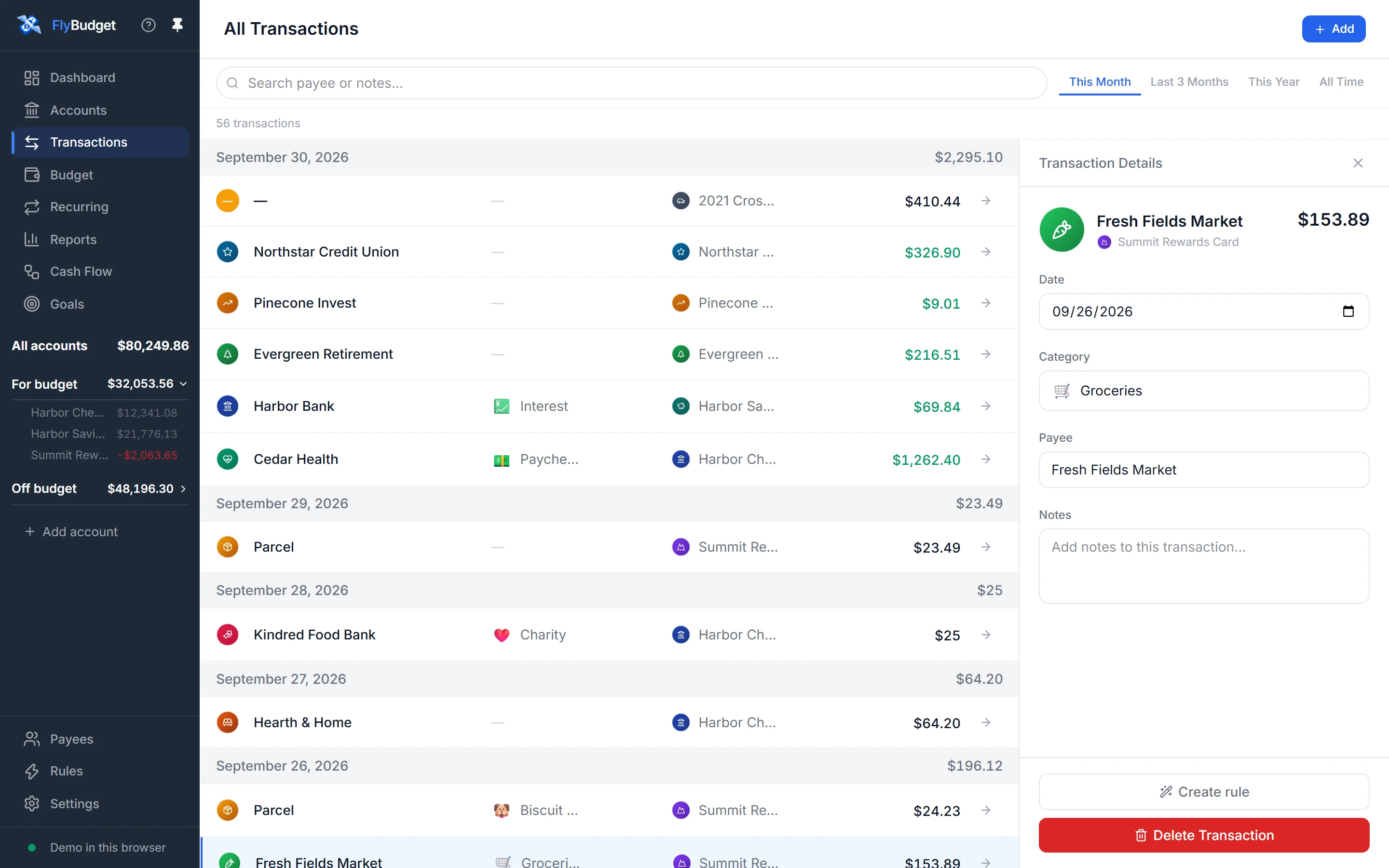
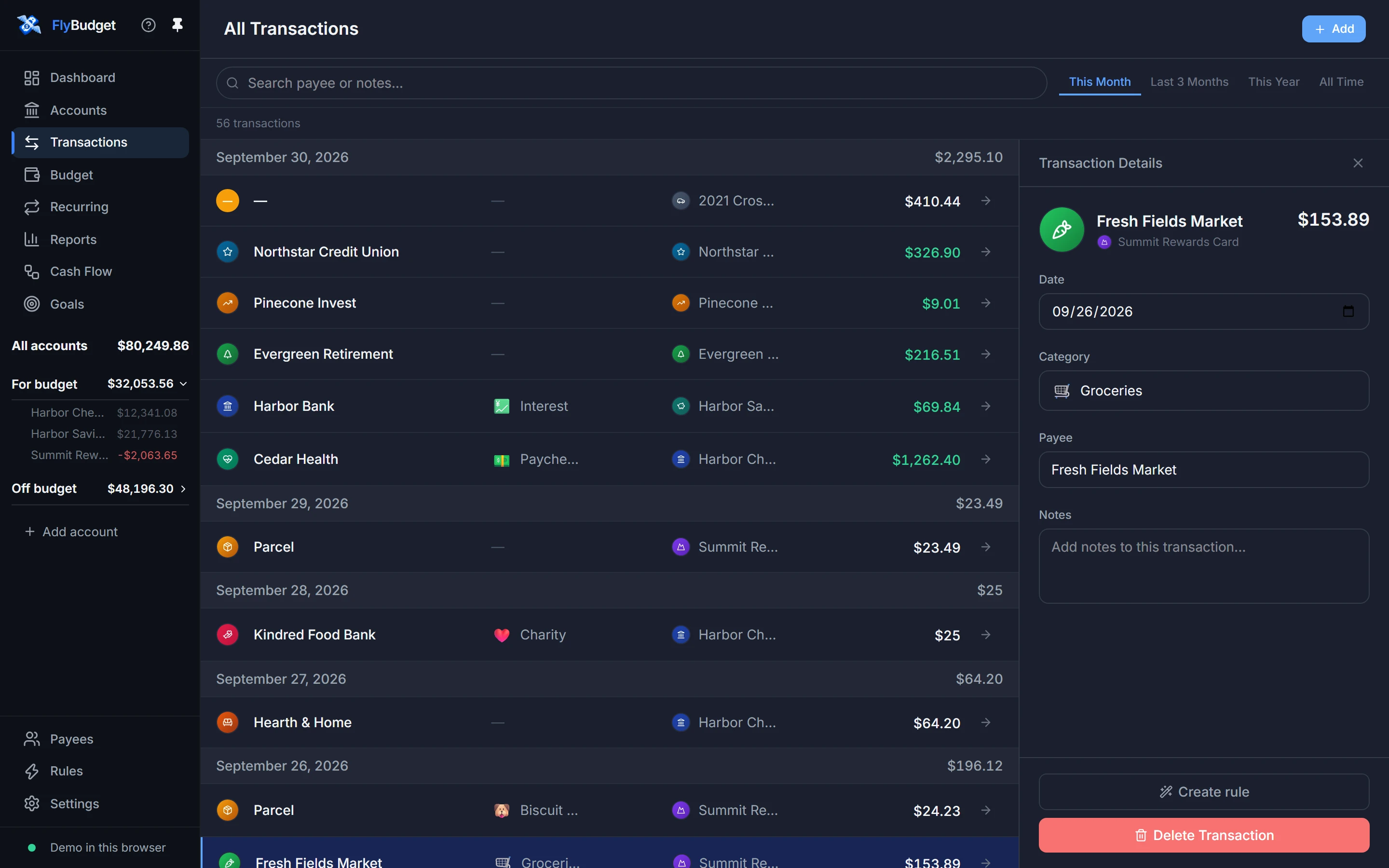
Click a transaction to open its details on the right. There you can change the date, category, payee and notes, see how a split is divided, turn it into a rule with Create rule, or delete it.
Transactions can also be split across categories, moved between your accounts as transfers, and imported from your bank as a CSV file.
Read Transactions and Importing transactions in the guide.