Rules
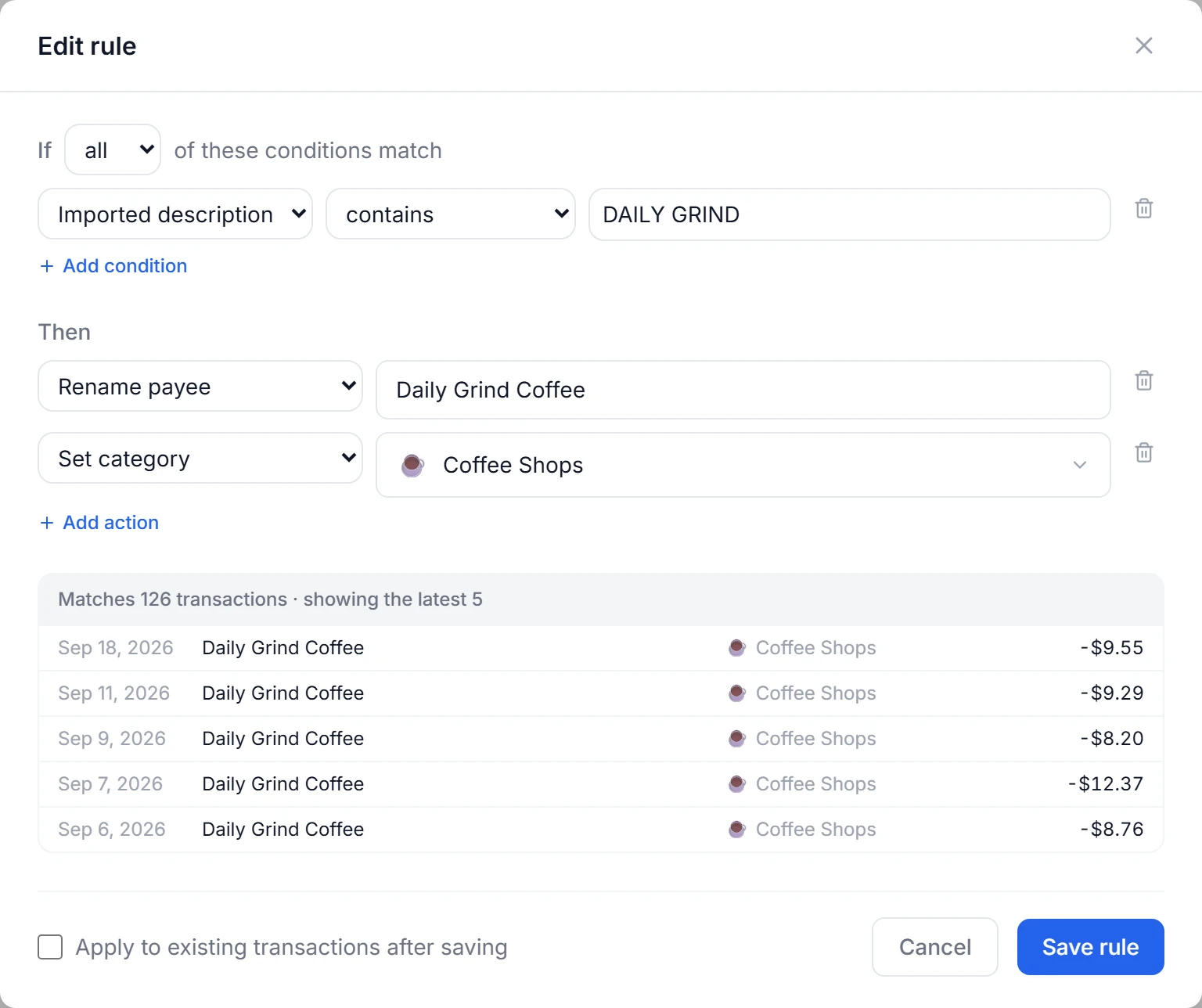
Rules categorize, rename and split transactions for you. Each rule reads like a sentence: if these conditions match, then do these things. Rules run on every new transaction, top to bottom.
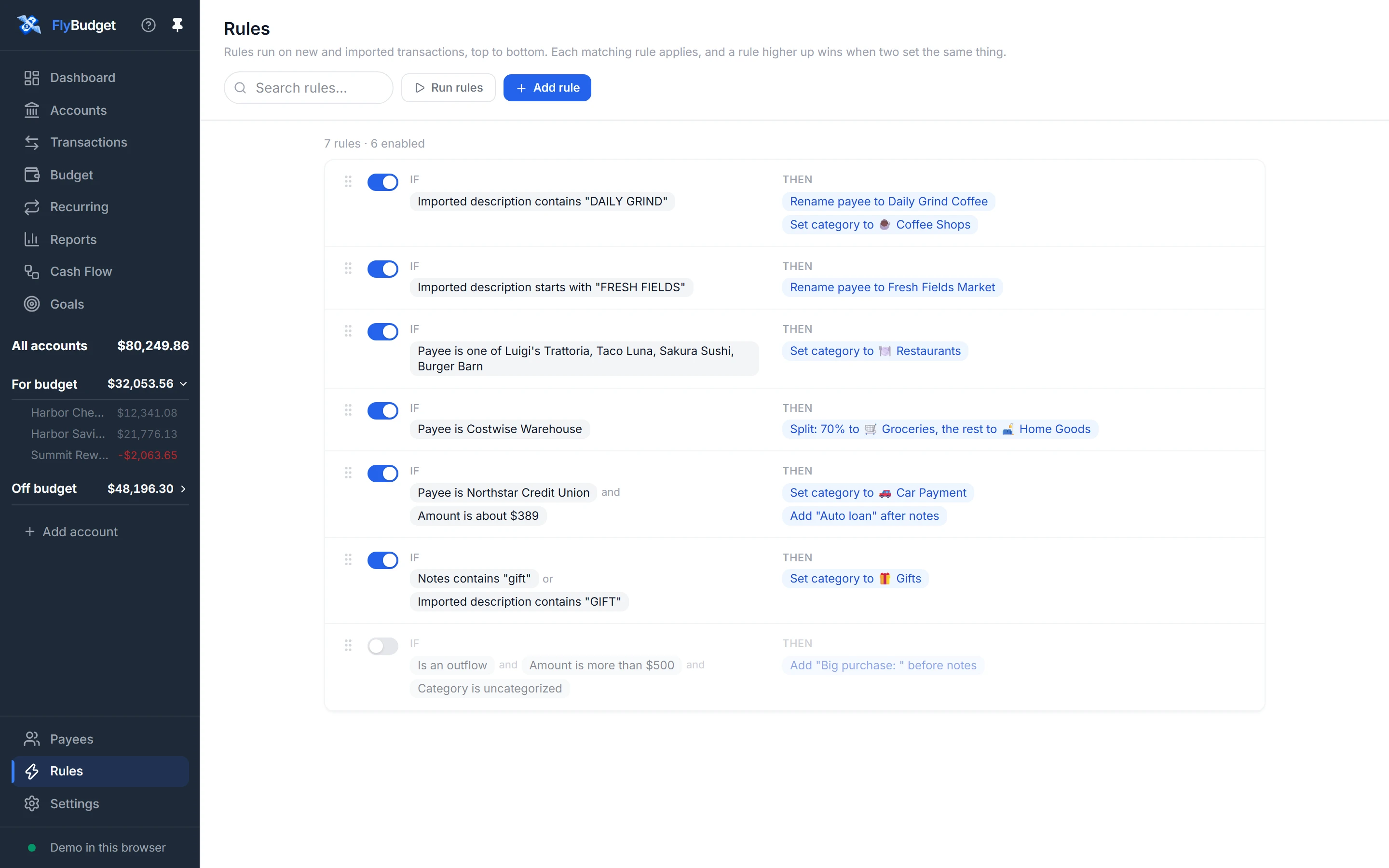
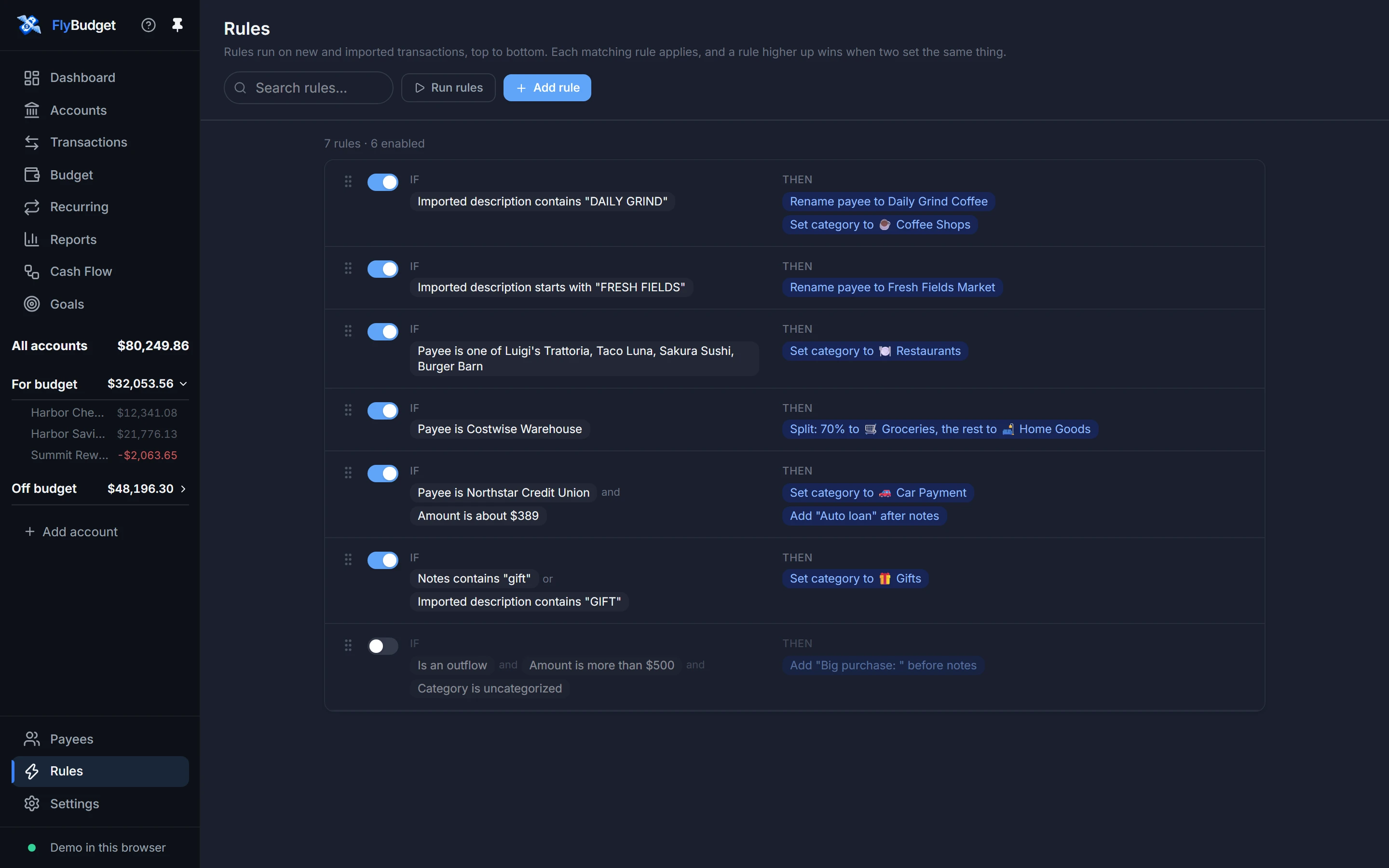
- The switch turns a rule on or off; drag the handle to change the order.
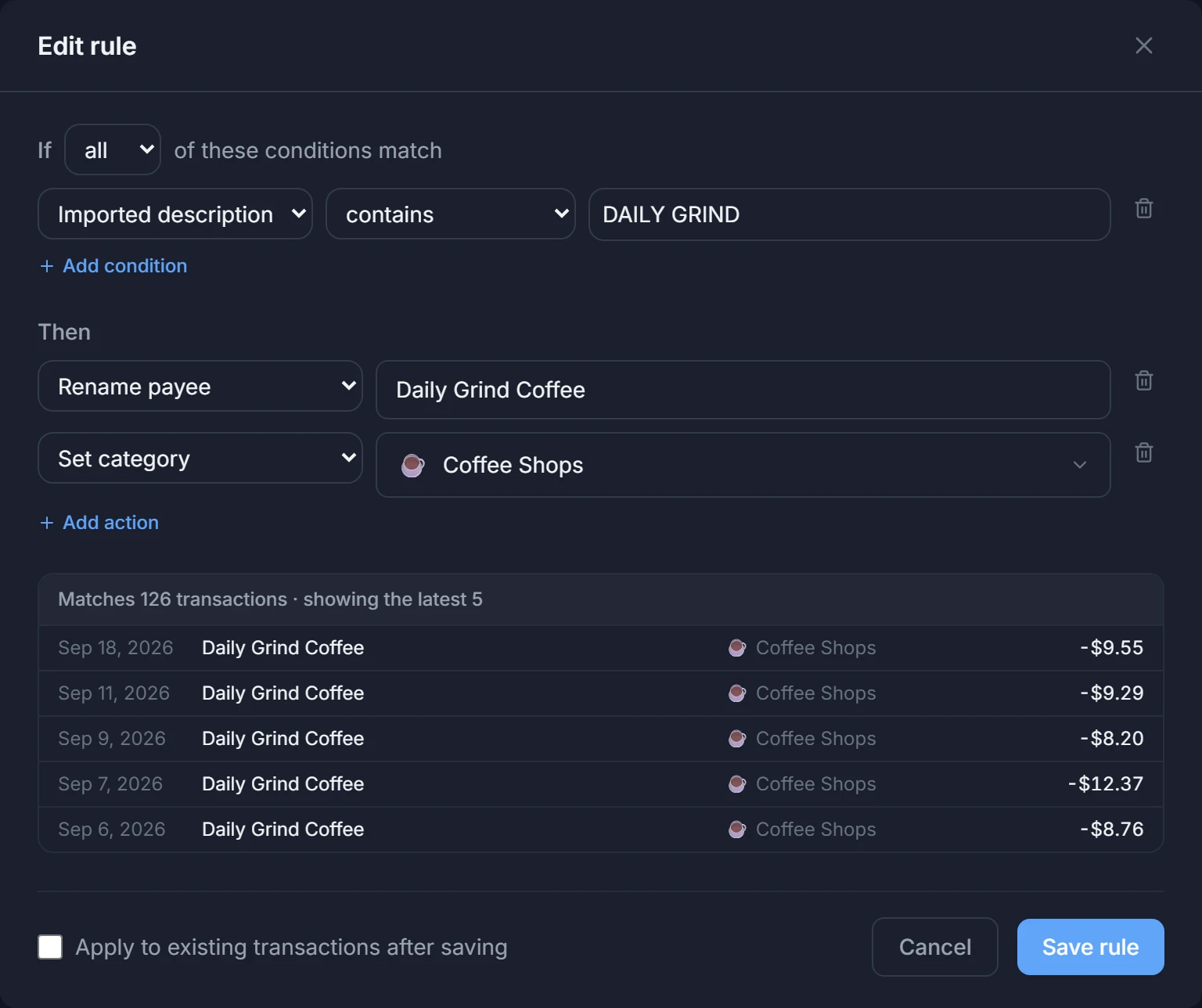
- Add rule opens the editor, which shows which of your transactions the rule would match while you write it.
- Run rules applies your rules to transactions you already have, after showing you what would change.
Read Rules in the guide.