Recurring
Recurring keeps track of the bills, subscriptions and paychecks that repeat. It has two tabs.
Monthly shows one month: how much income is still to come and how much of your bills is paid, then each item with its date and status (paid, upcoming, due or missed). Switch between a List and a Calendar.
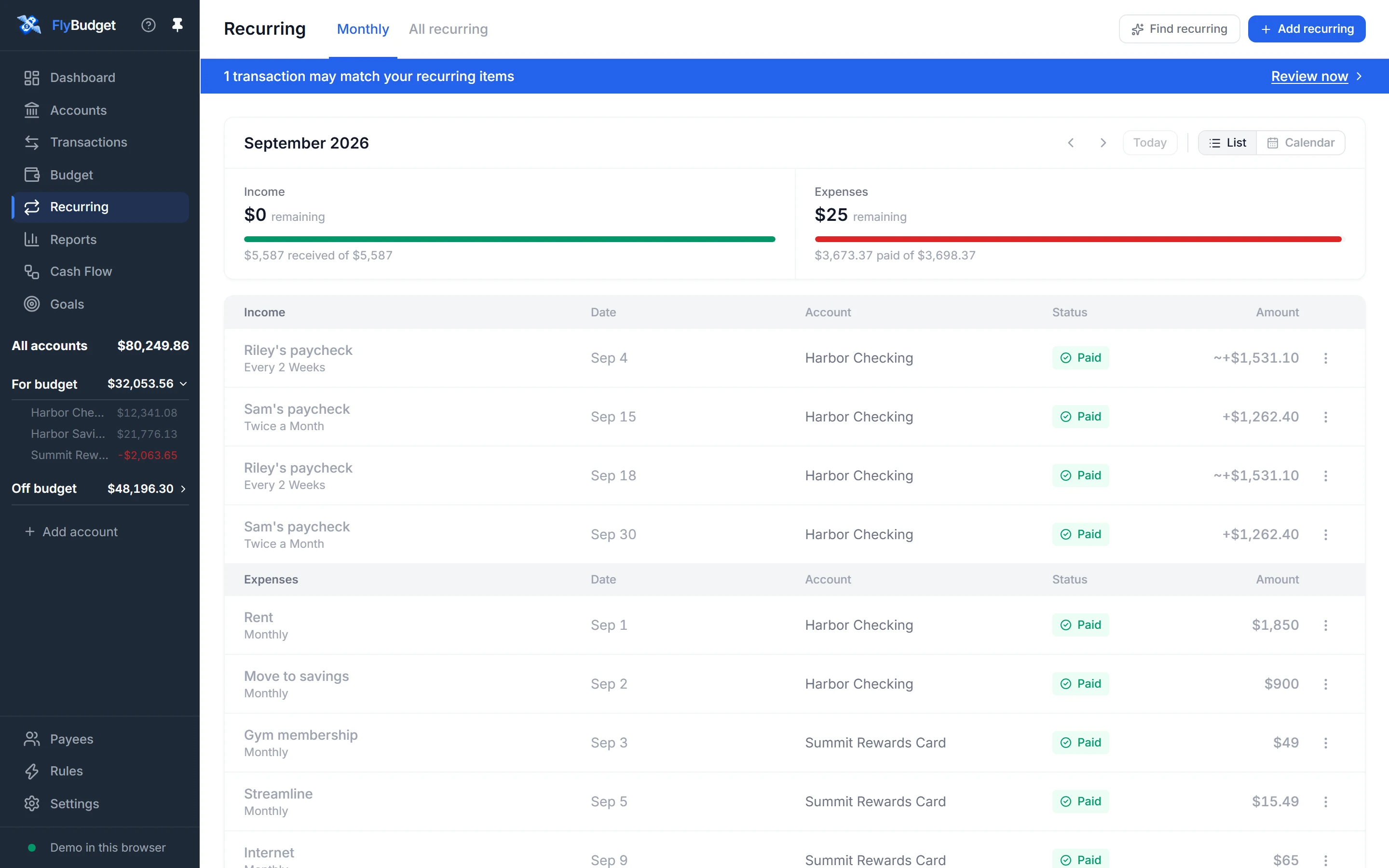
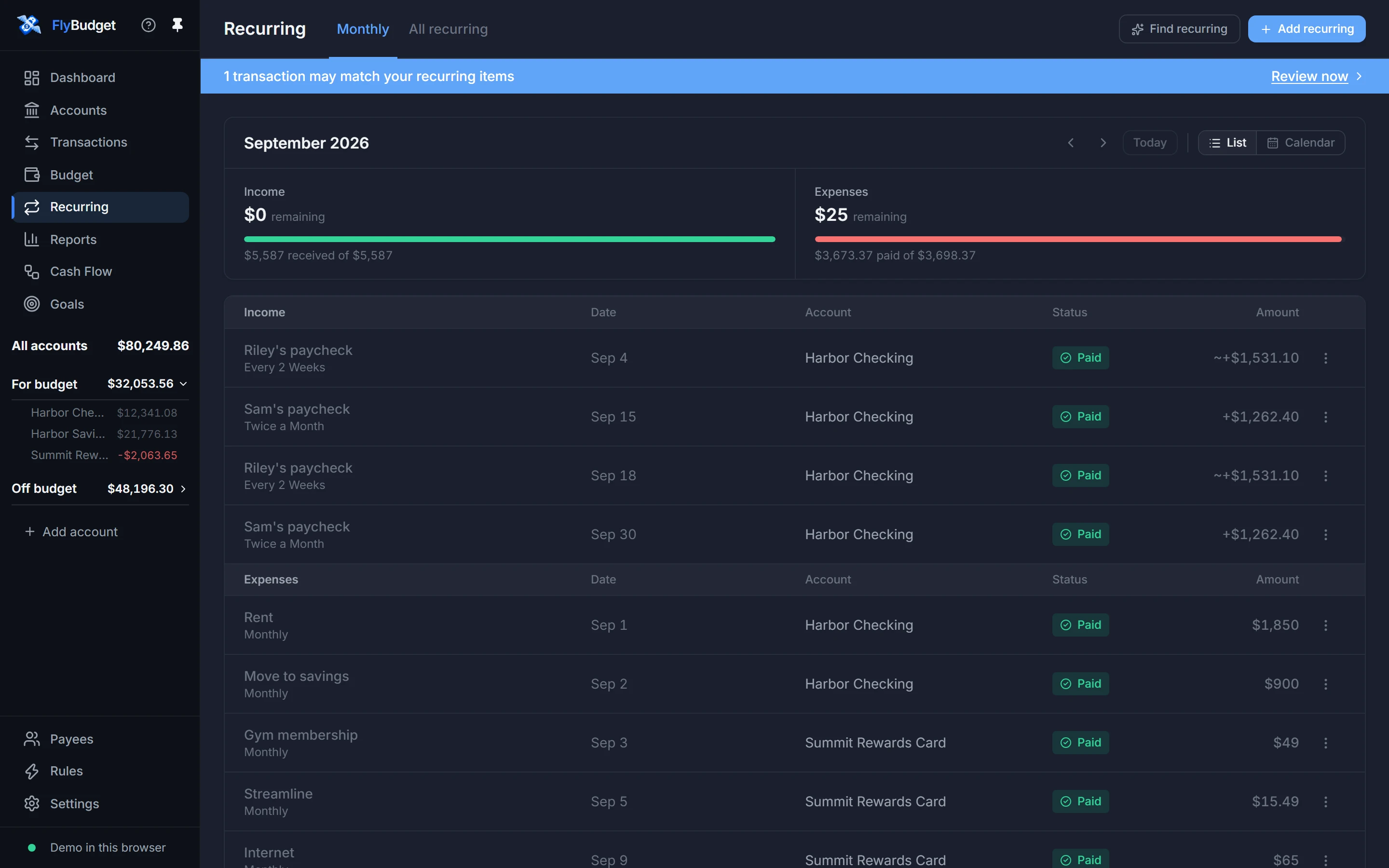
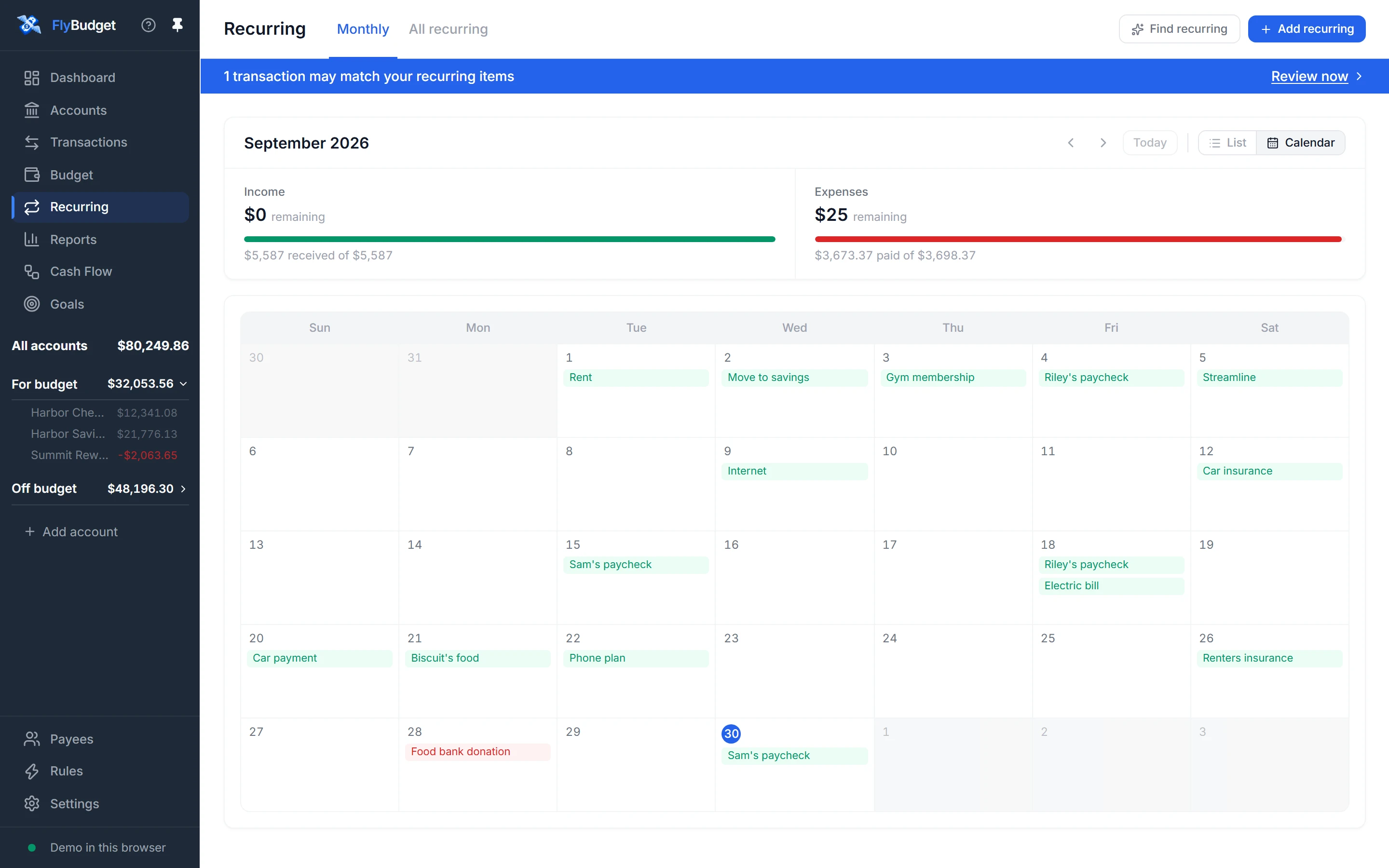
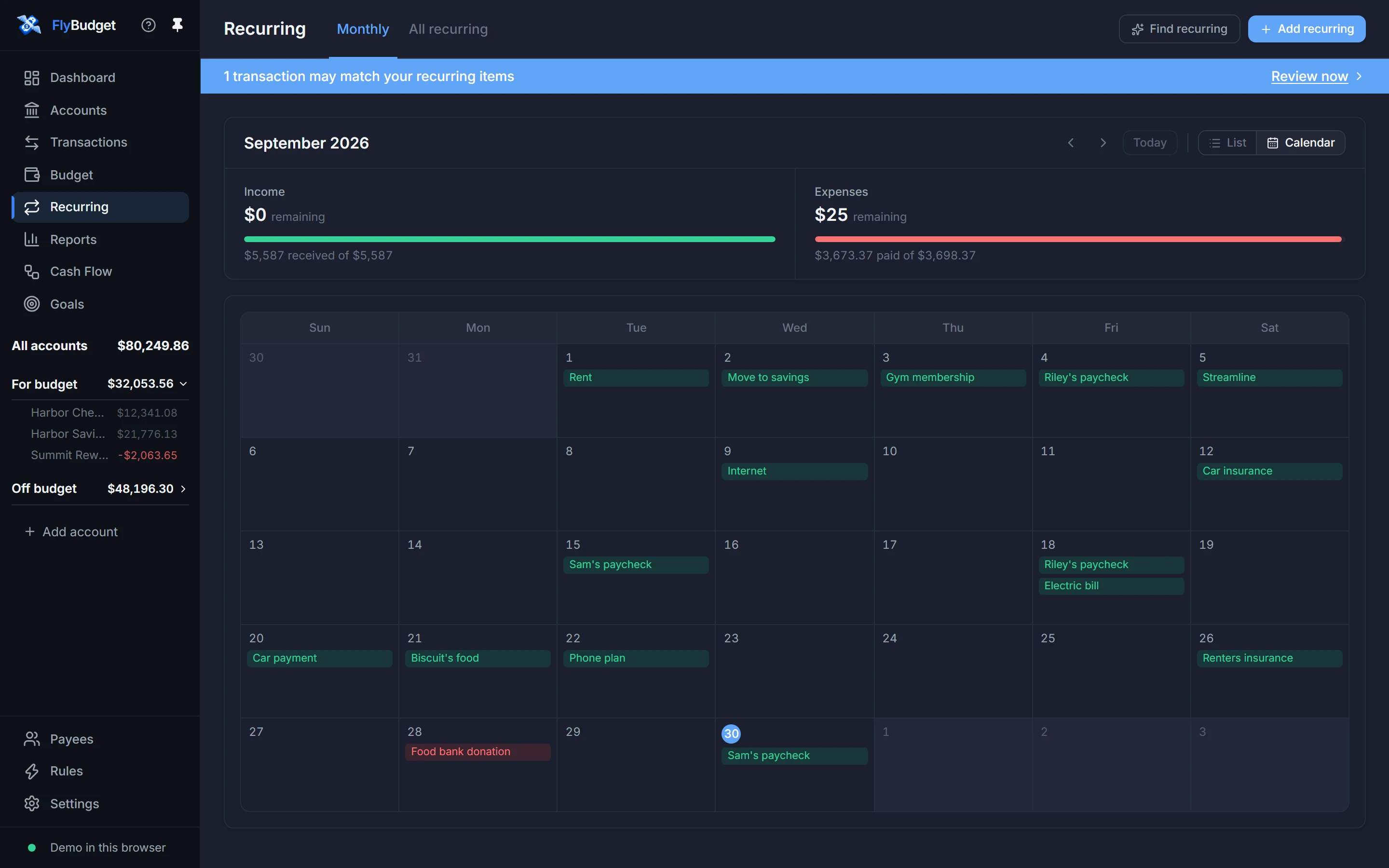
All recurring lists everything you track, with its next date, status, amount and how often it repeats.
Two buttons at the top: Find recurring looks through your past transactions for things that repeat, and Add recurring adds one yourself. When a new transaction looks like a payment you're expecting, a banner asks you to confirm the match.
Read Recurring transactions in the guide.