On your phone
On a self-hosted server, open FlyBudget in your phone's browser. Every page has a layout made for small screens: lists turn into cards, dialogs slide up from the bottom, and every button is big enough to tap.
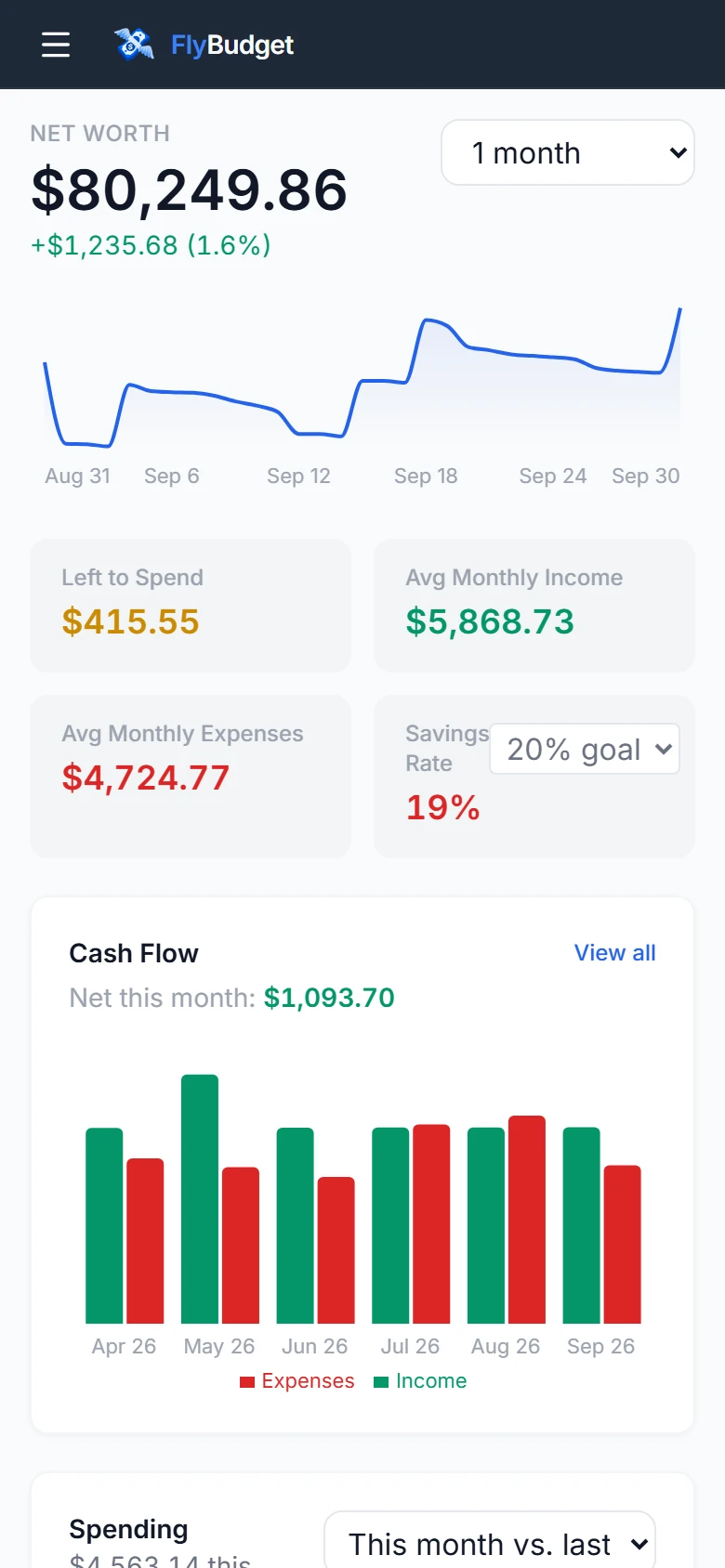
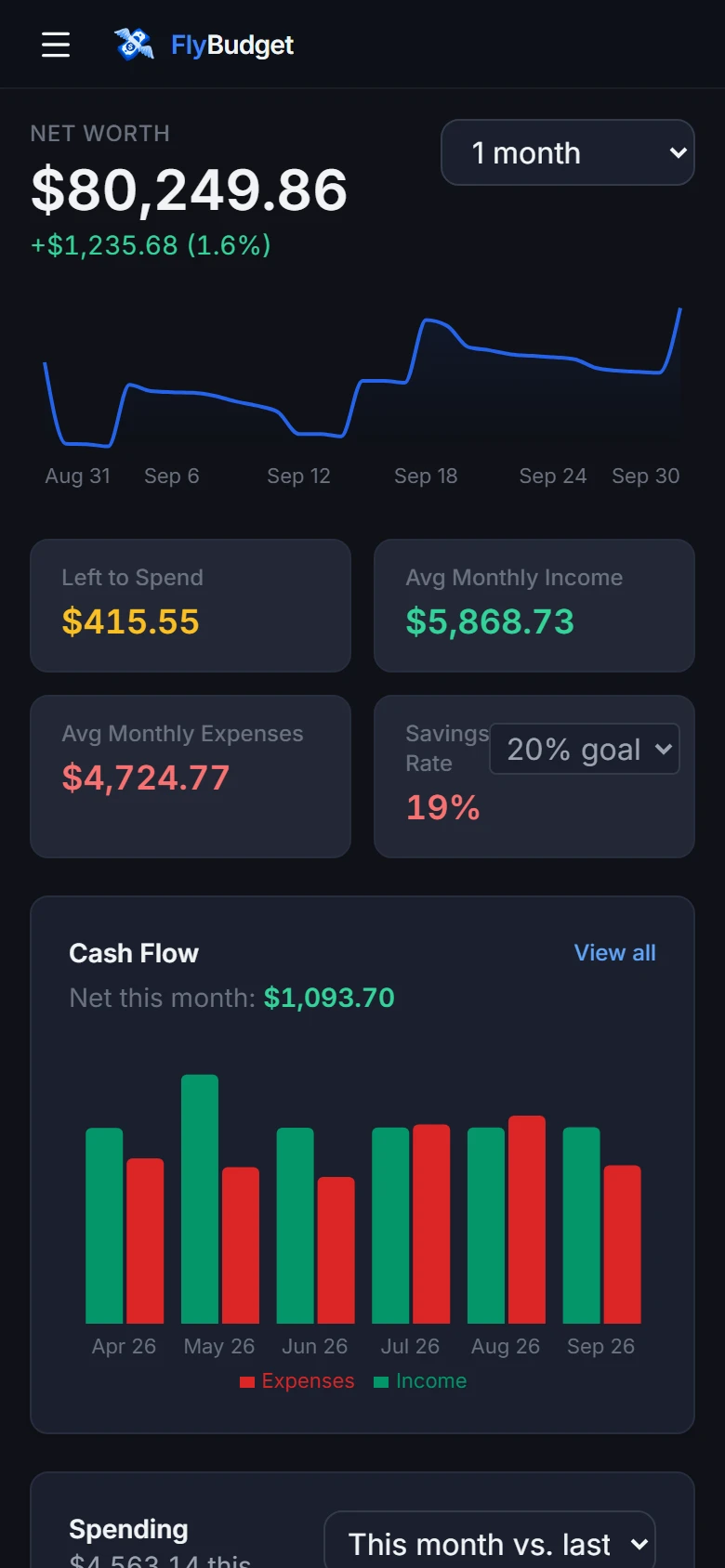
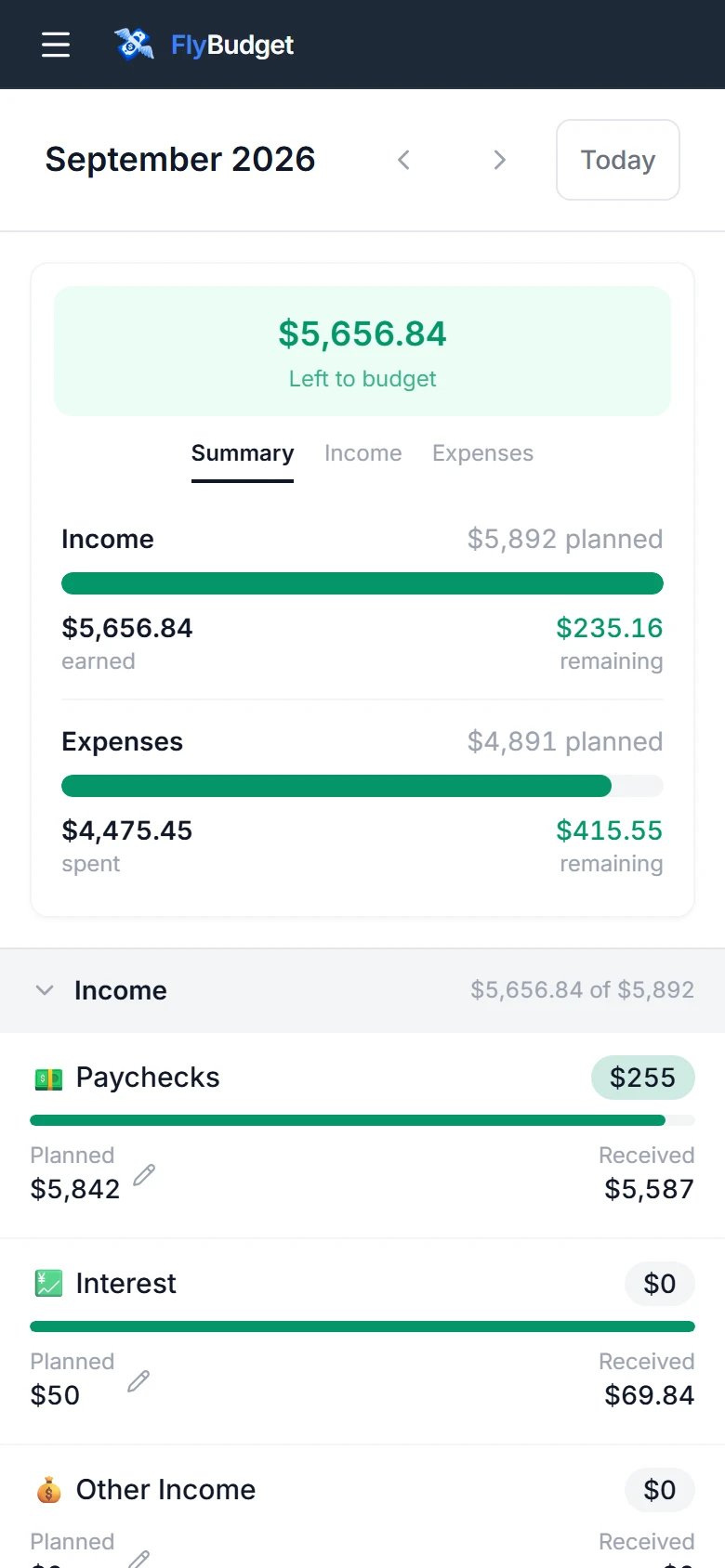
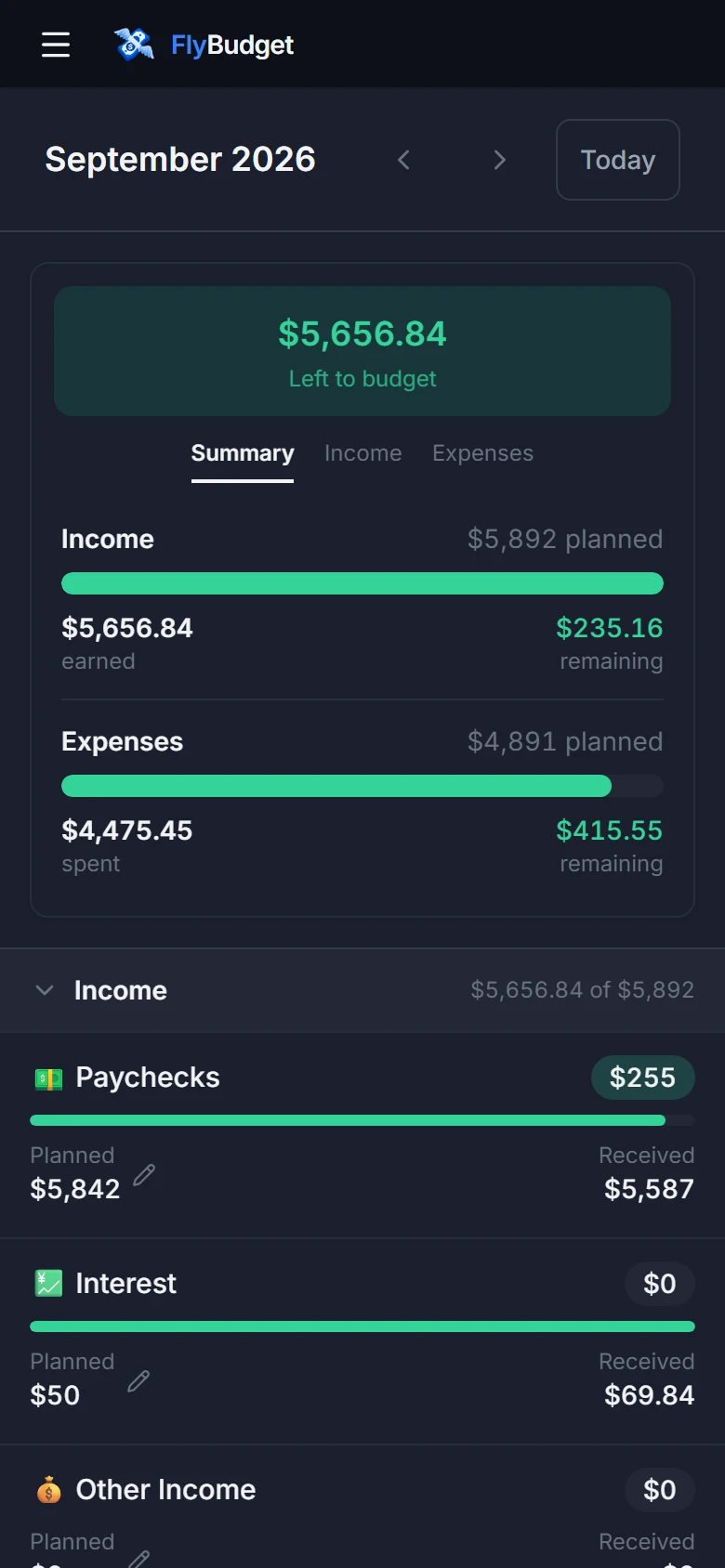
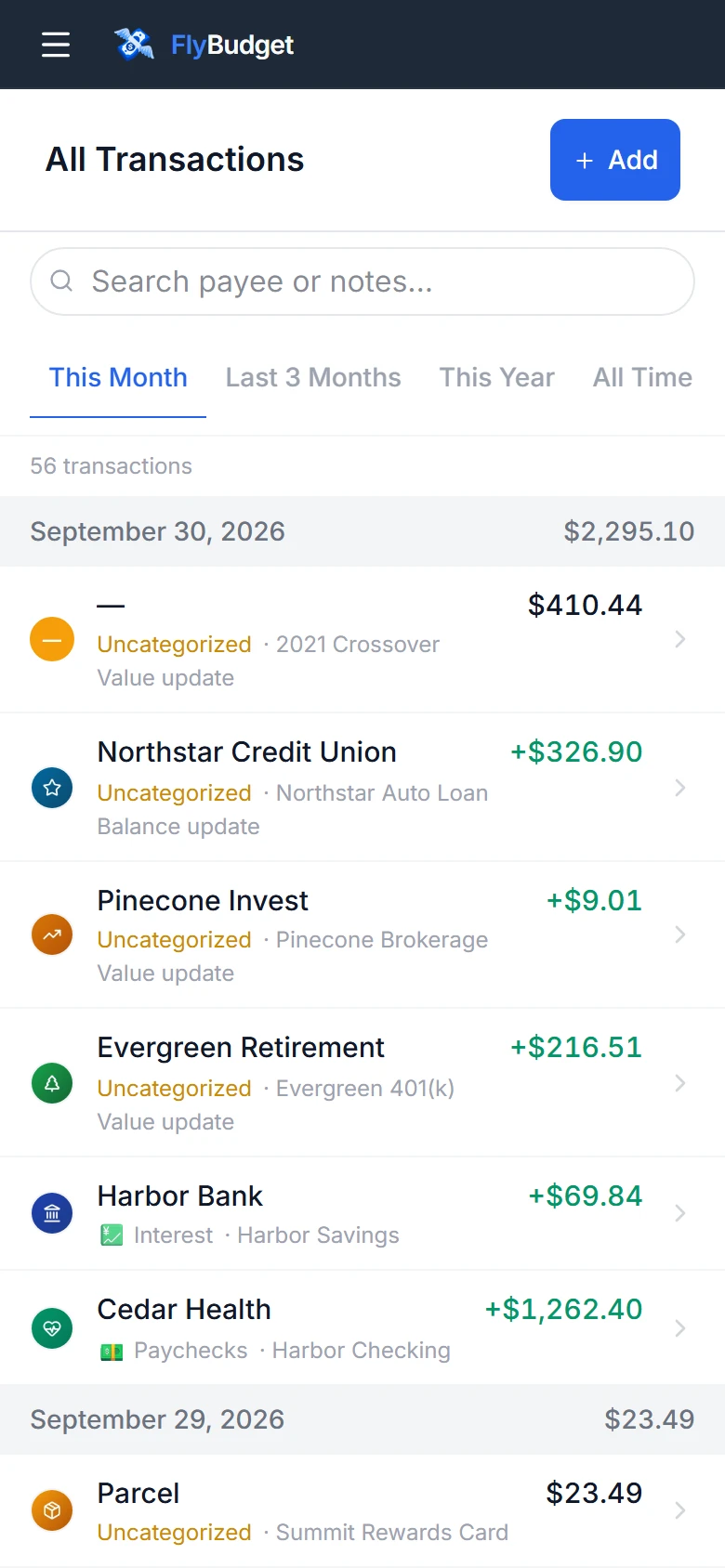
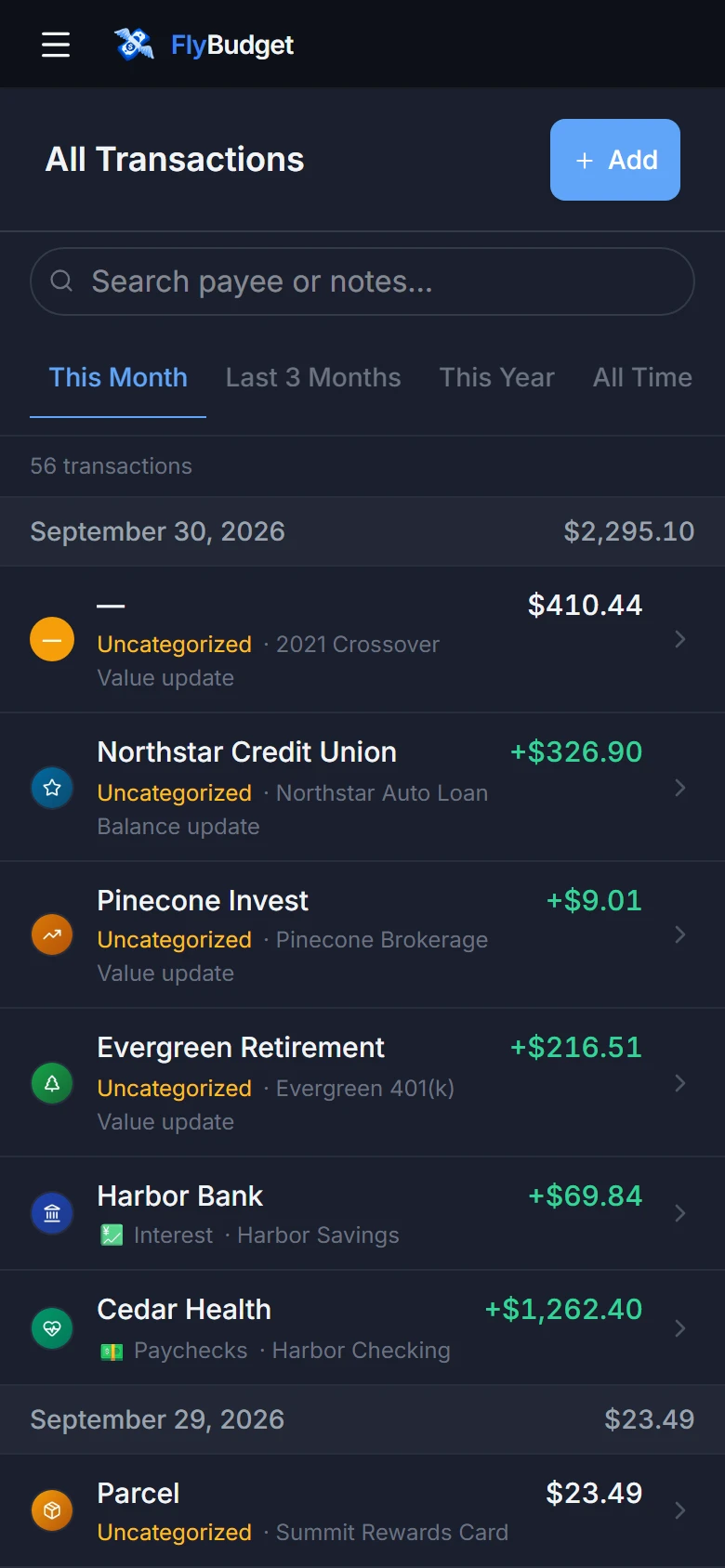
The menu button at the top left opens the sidebar.
Dark mode
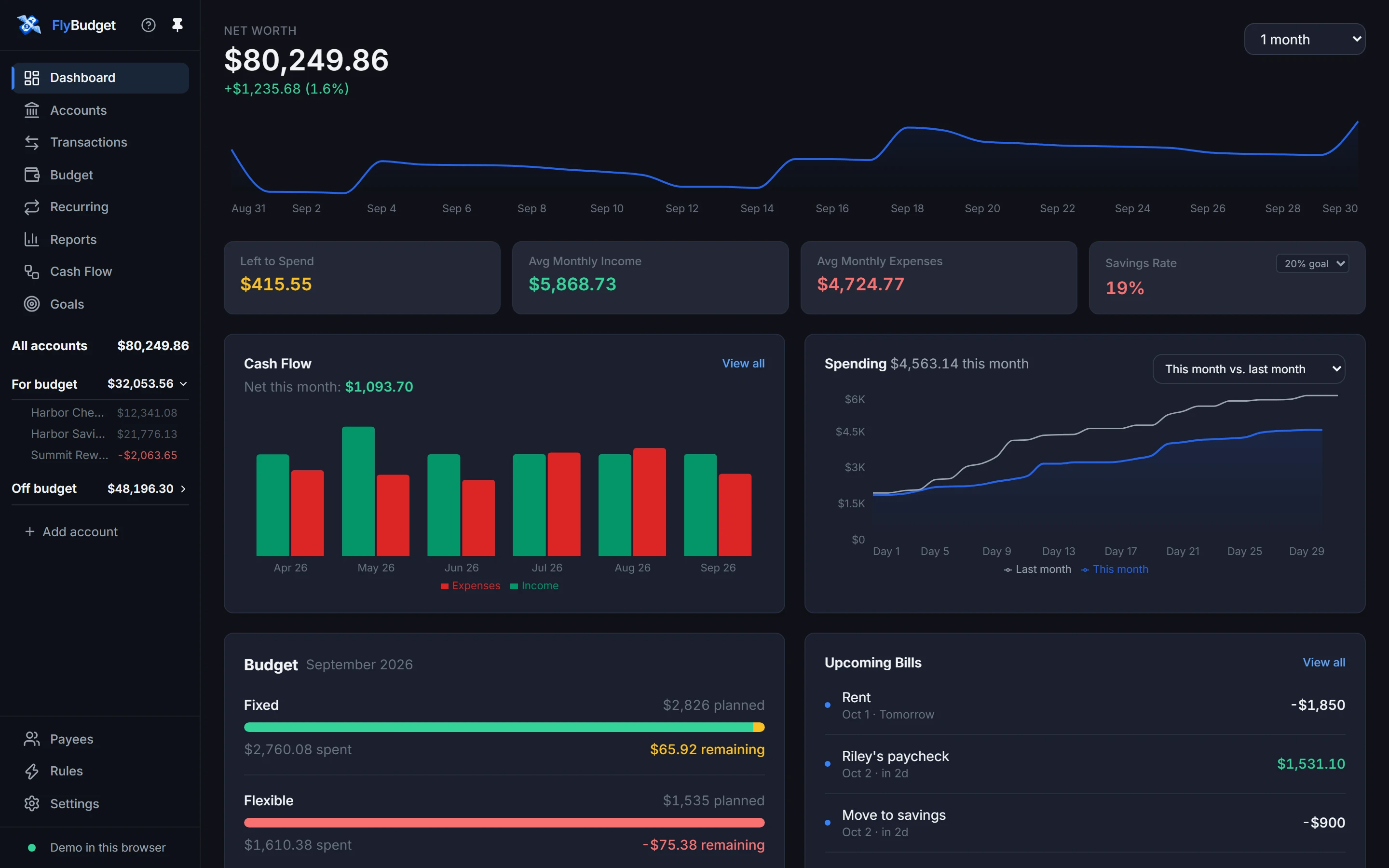
Choose Dark (or System, to follow your device) in Settings → Preferences.
Read On your phone in the guide.