Tour of FlyBudget
Welcome to the FlyBudget tour: a quick look at each screen, so you know your way around before you start. Every page here is a short overview with a screenshot. When you want the details, each one links to the matching page of the user guide.
You can also click around yourself: Try the demo opens the real app in your browser with a sample budget. Nothing you change is saved or sent anywhere.
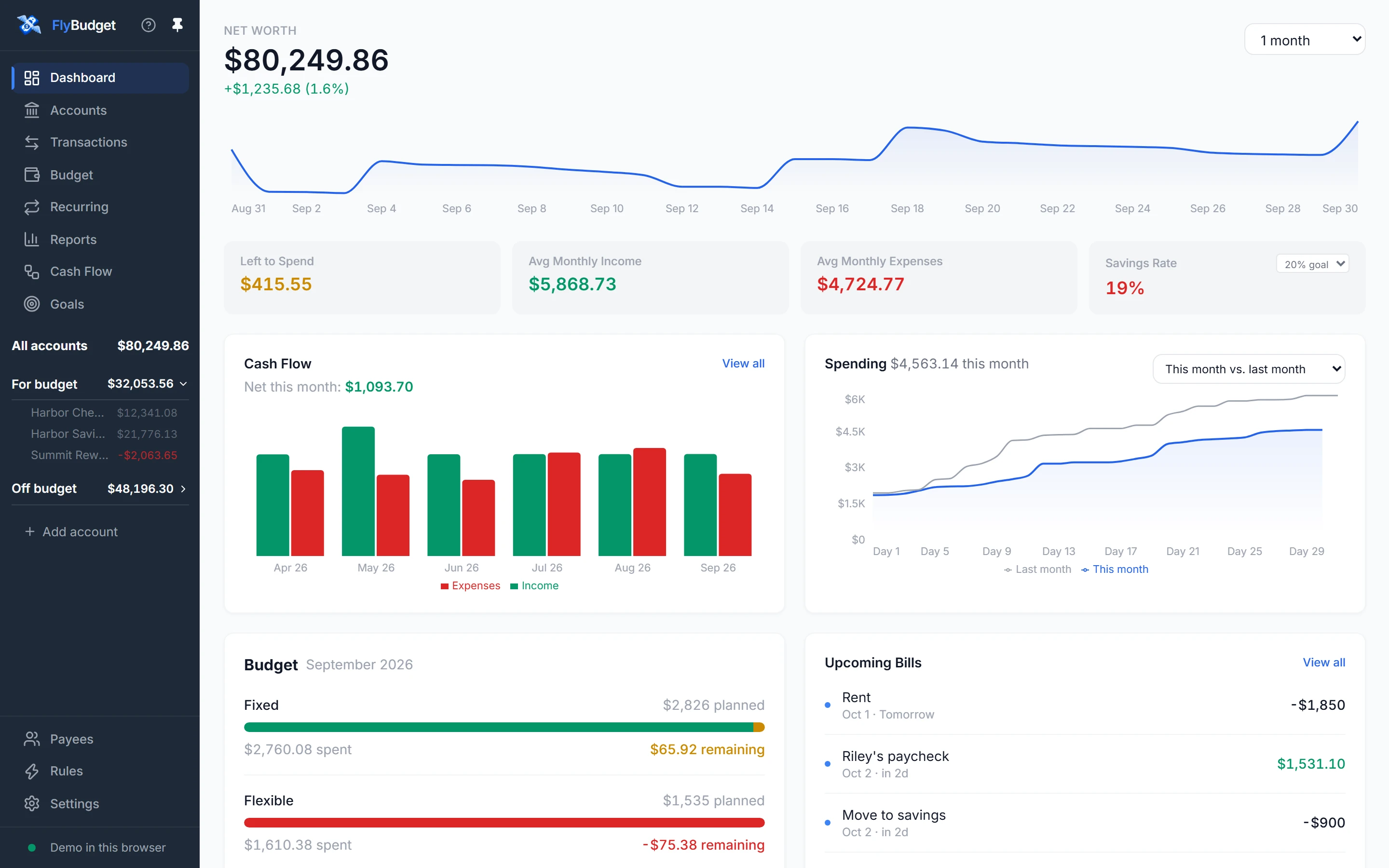
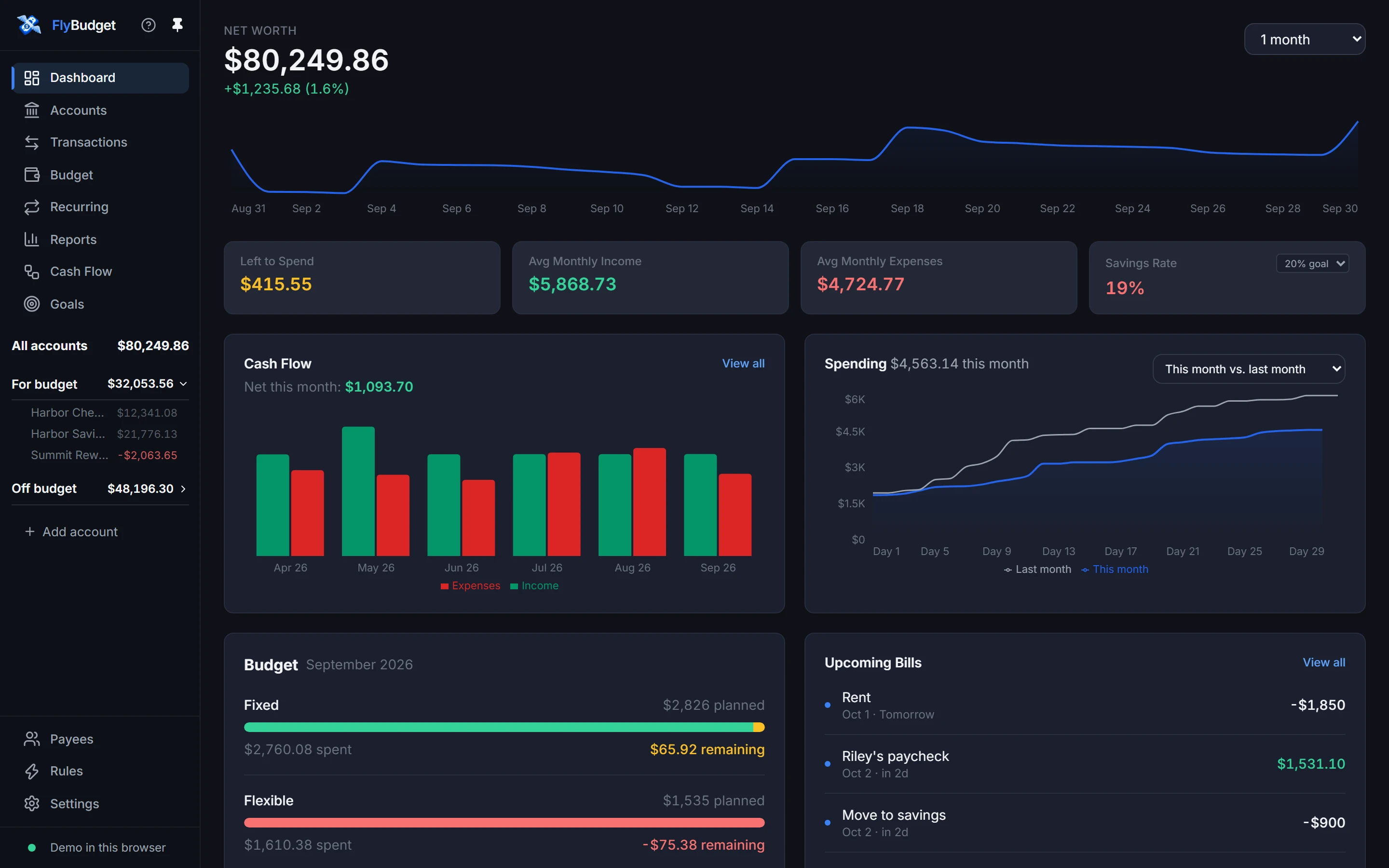
Finding your way around
The sidebar on the left is always there:
- The main pages: Dashboard, Accounts, Transactions, Budget, Recurring, Reports, Cash Flow and Goals.
- Your balances: All accounts (your net worth), For budget (the accounts your budget uses) and Off budget (investments, property and loans). Open a group to see each account, and choose Add account to add another.
- At the bottom: Payees, Rules and Settings, and a status line that shows where your data lives and whether FlyBudget is connected to it.
- At the top, ? opens help and the pin keeps the sidebar open or lets it tuck away until you point at it.
On a phone the sidebar becomes a menu that slides in from the left (see On your phone).
Where to next
Follow the pages in the sidebar in order, or jump to the one you need. If you're setting up FlyBudget for the first time, Getting started walks you through it.