Budget
The Budget page shows one month at a time. Use the arrows to move between months and Today to come back.
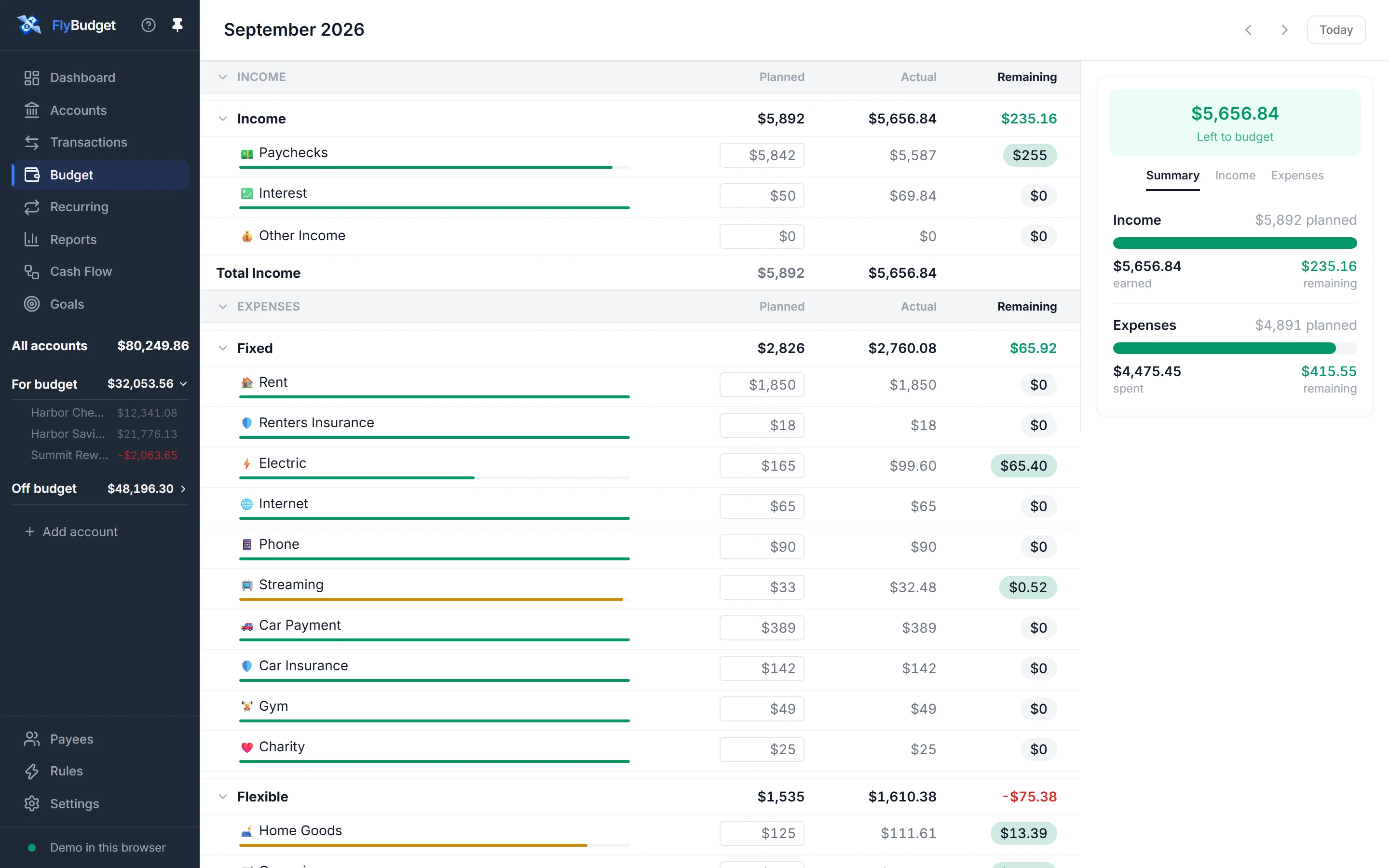
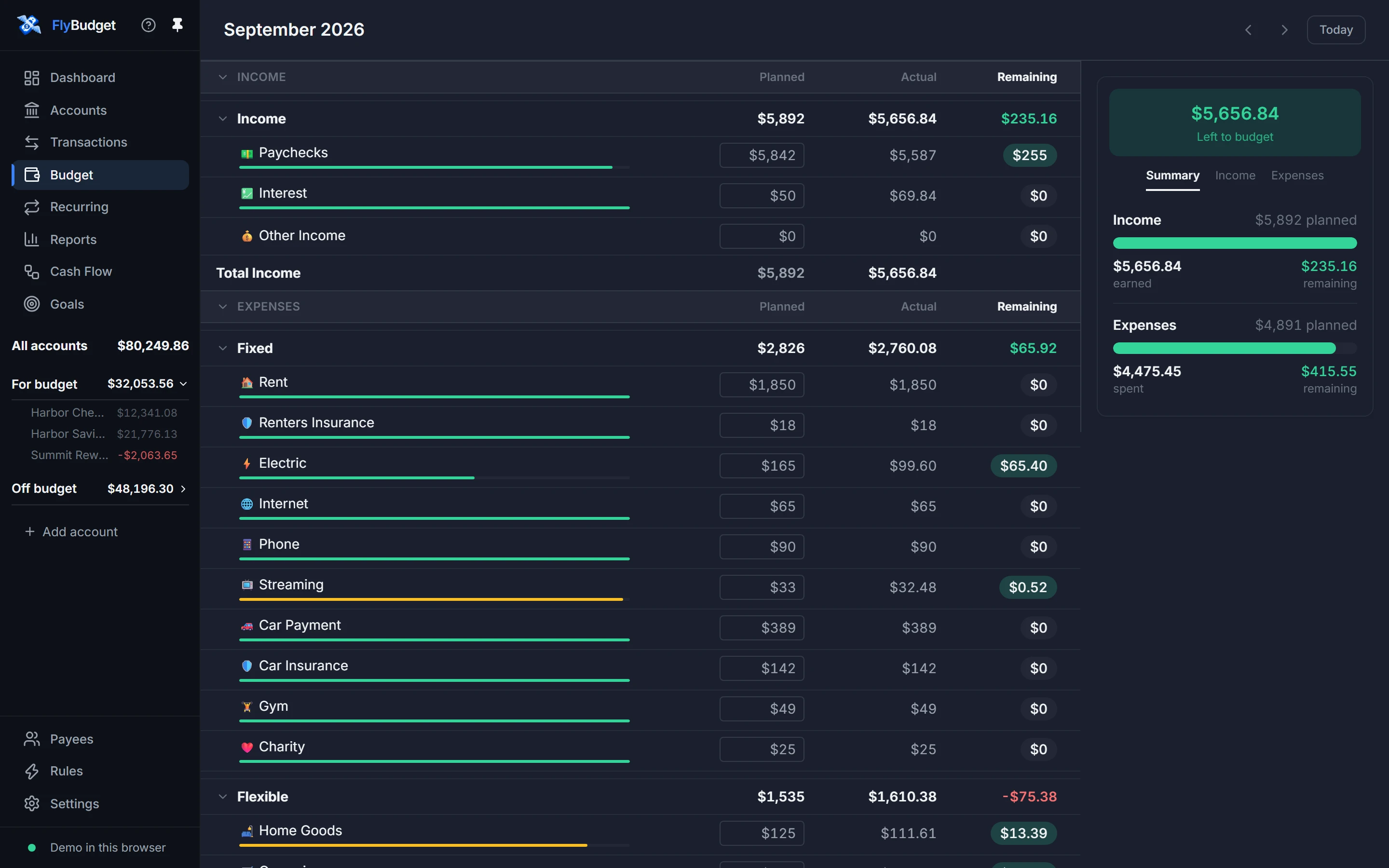
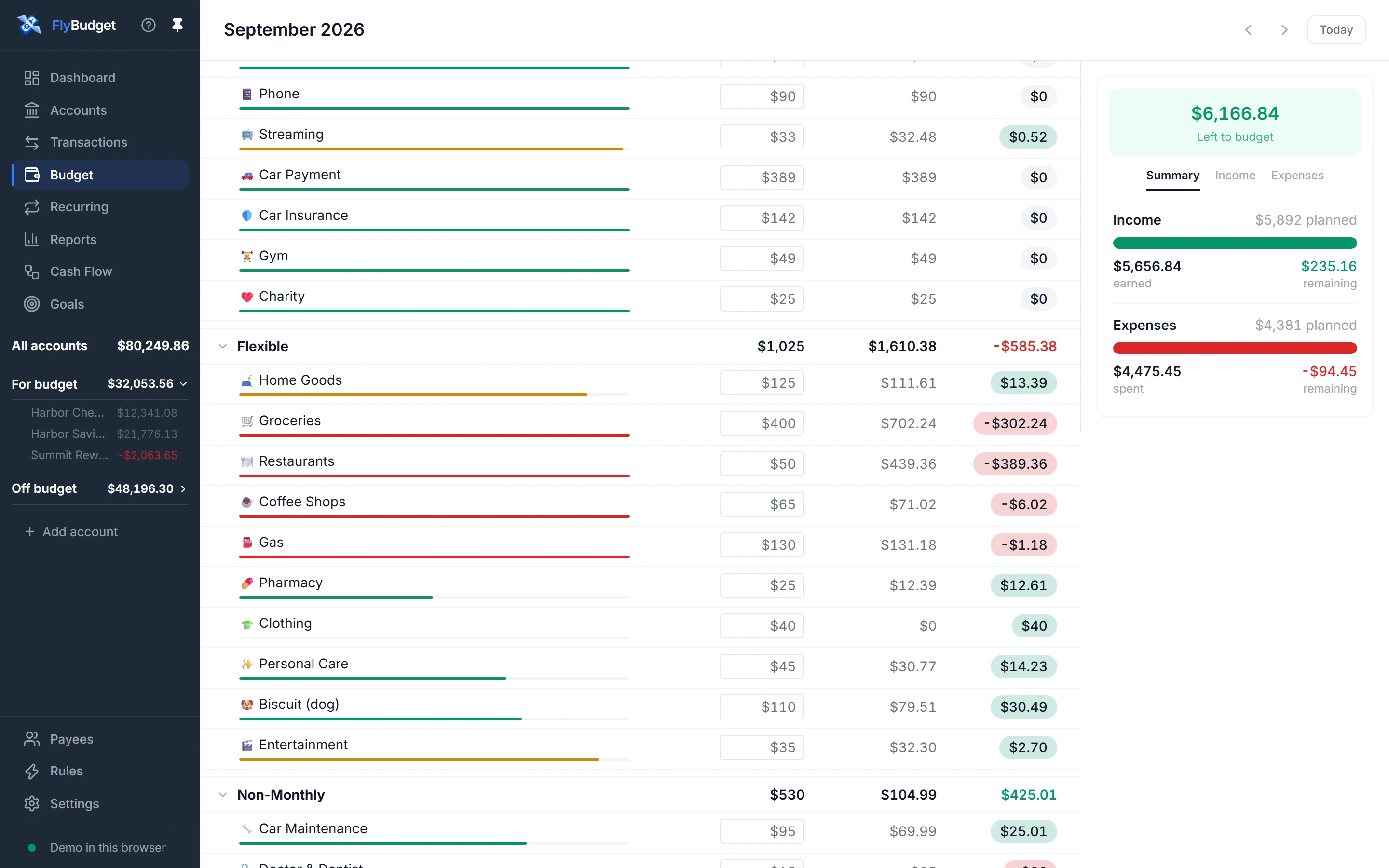
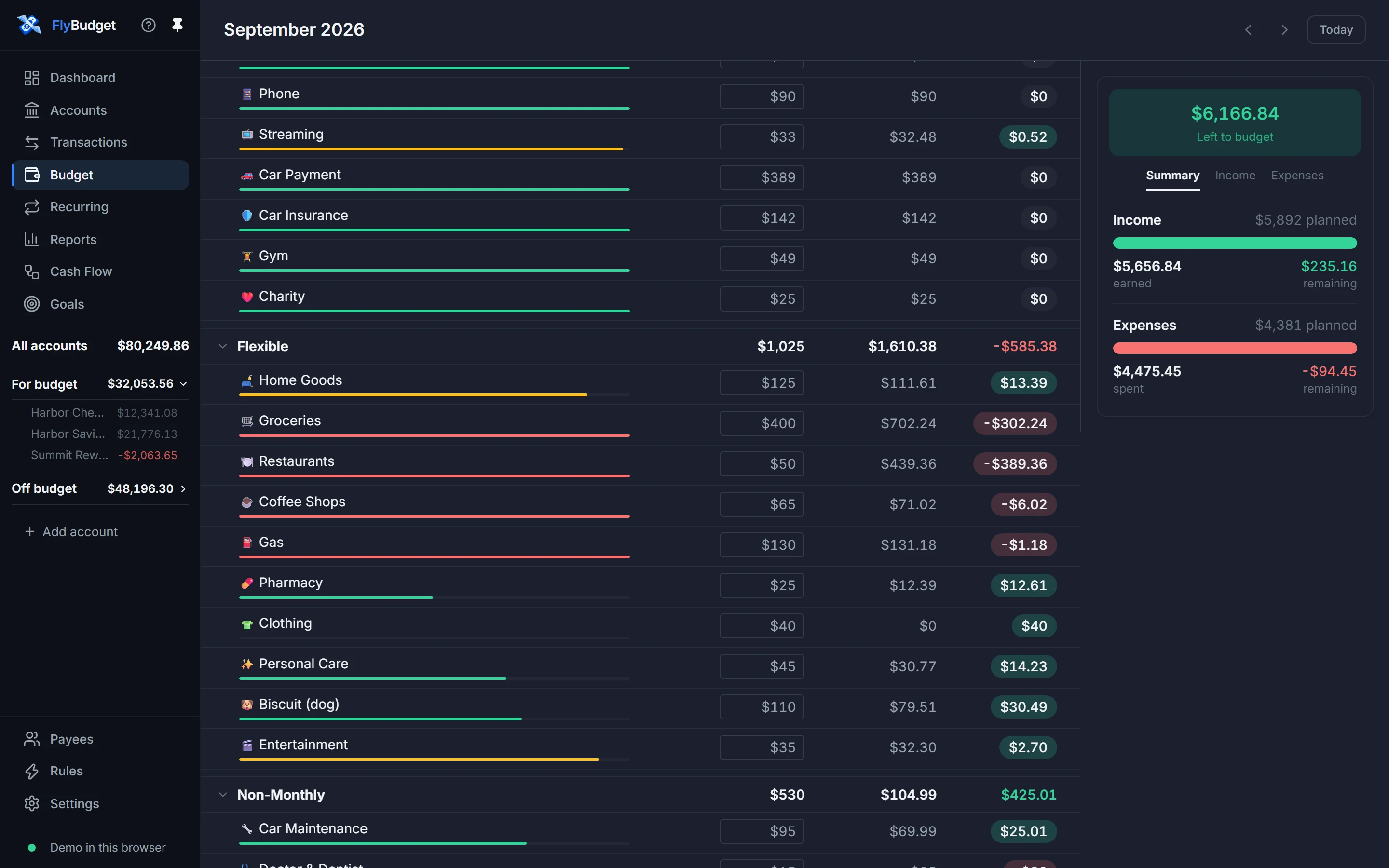
- Income comes first, then expenses grouped by kind: Fixed, Flexible, Non-Monthly and Savings/Investments. Each category shows what you Planned, the Actual amount and what's Remaining, with a bar that turns amber and then red as you get close to the plan and go over it.
- Click a planned amount to change it, or to use the same amount for the months after.
- The panel on the right shows how much is Left to budget and how this month's income and spending compare with the plan.
- Click a category's name to see its history and its transactions.
Read How budgeting works in the guide to get the most out of it.