Welcome to FlyBudget
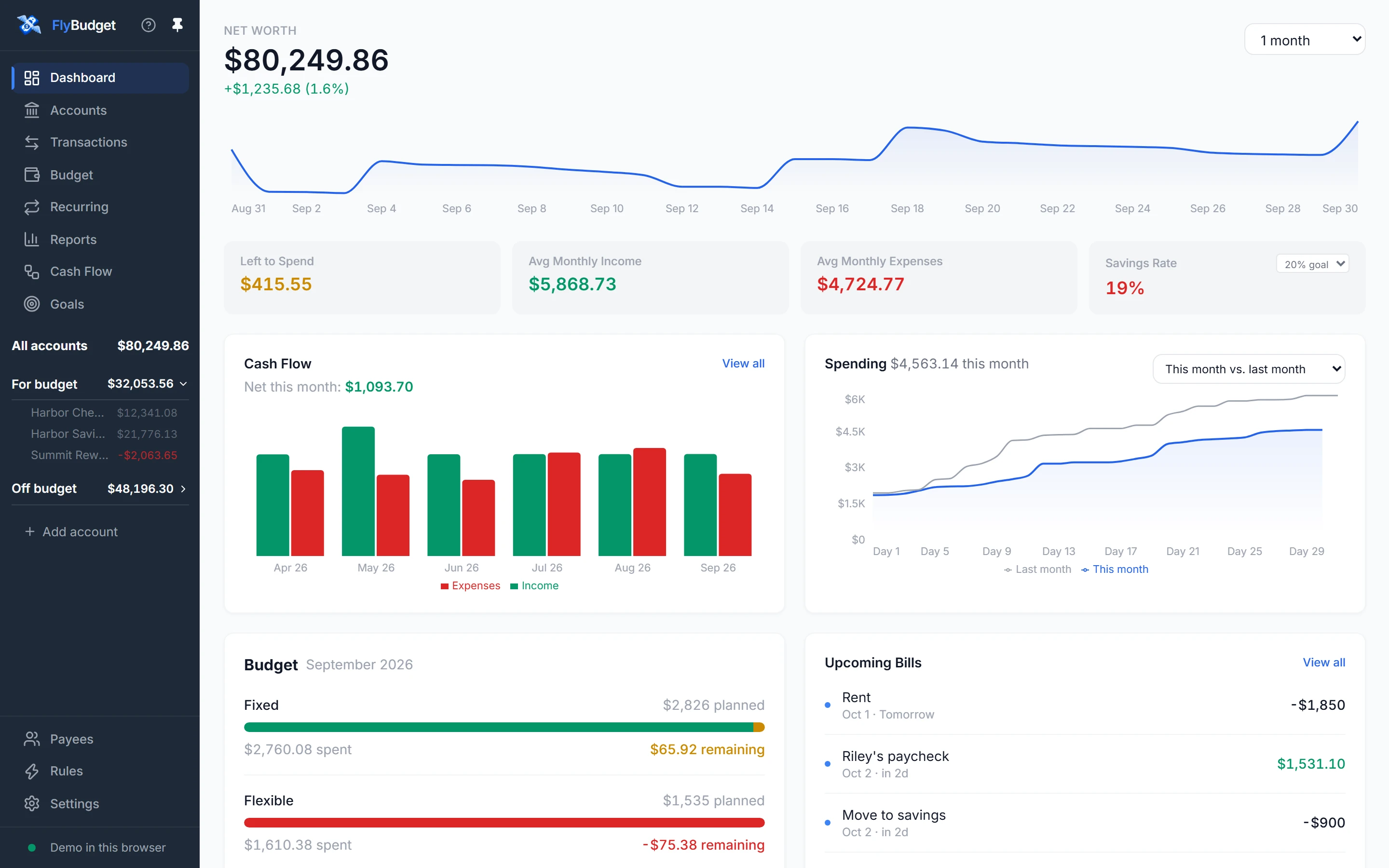
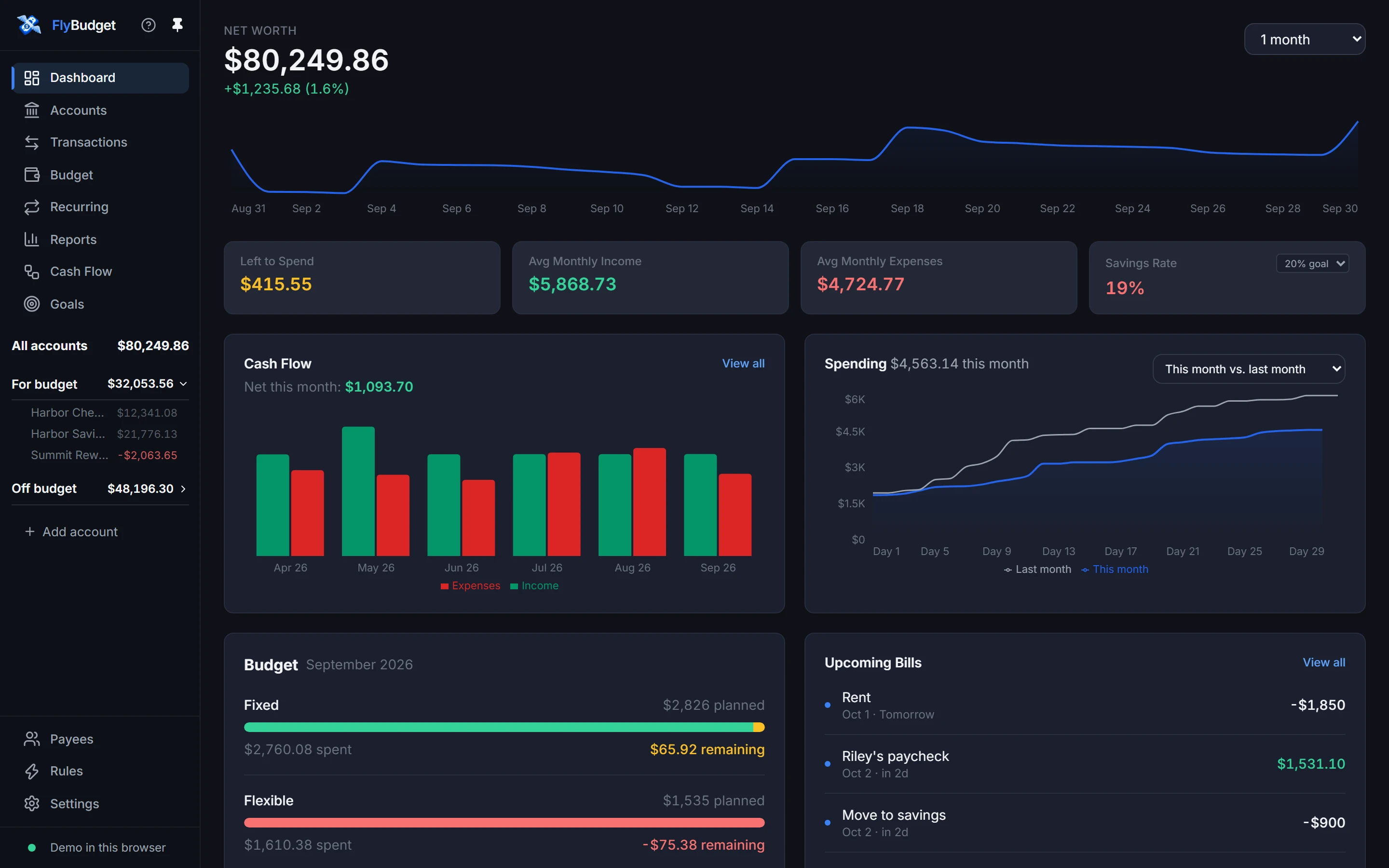
FlyBudget is a free, open-source budgeting app. It shows where your money goes, helps you plan where it should go next, and keeps every number on a computer you control.
- Private by default. There is no FlyBudget account, cloud service or tracking. The desktop app keeps your budget in a single file on your computer; a self-hosted server keeps it on your own server.
- Zero-based budgeting. Give every dollar a job, then see what's left in each category as you spend.
- Your bank, your choice. Import CSV files, enter transactions by hand, or connect a bank with SimpleFIN, Plaid or Enable Banking.
- Reports you can shape. Net worth, spending trends, cash flow, a transaction calendar and a report builder for everything else.
Ways to run FlyBudget
| Option | Best for |
|---|---|
| Desktop app | One person on one computer. Download it from the download page. |
| Self-hosted server (Docker) | Opening your budget from any browser, including your phone. See the self-hosting guide. |
| From source | Trying the latest changes or contributing. See Contributing. |
Where to go next
- New here? Install FlyBudget, then follow Getting started: it takes about ten minutes.
- Want to look around first? Try the demo in your browser, or take the Tour of every screen.
- Looking for something specific? Use the search box at the top, or the sidebar: each page of this guide covers one part of FlyBudget in detail.
- Stuck, or found a bug? Open an issue on GitHub.