Goals
Goals track what you're saving toward: an emergency fund, a trip, a down payment or a new laptop.
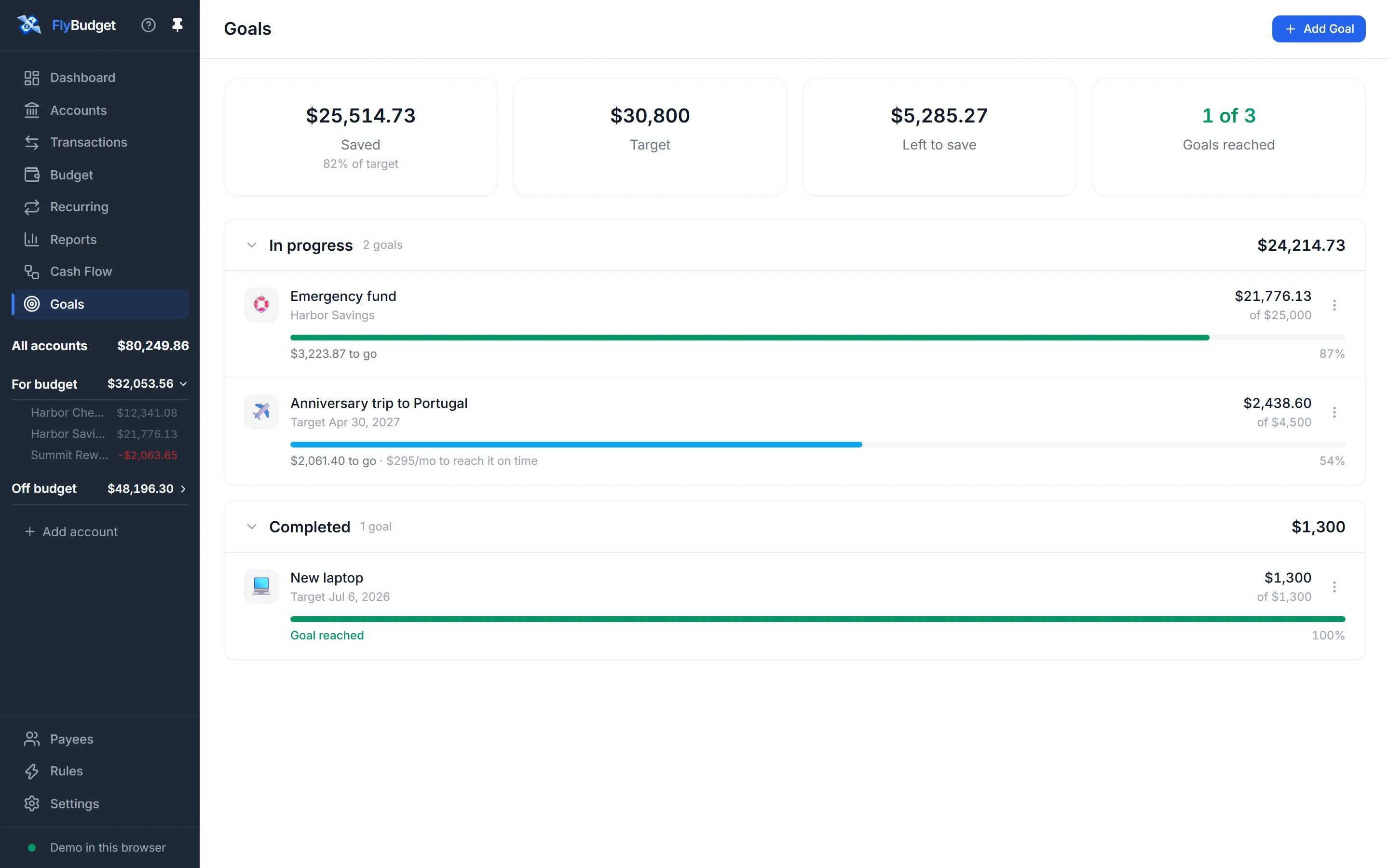
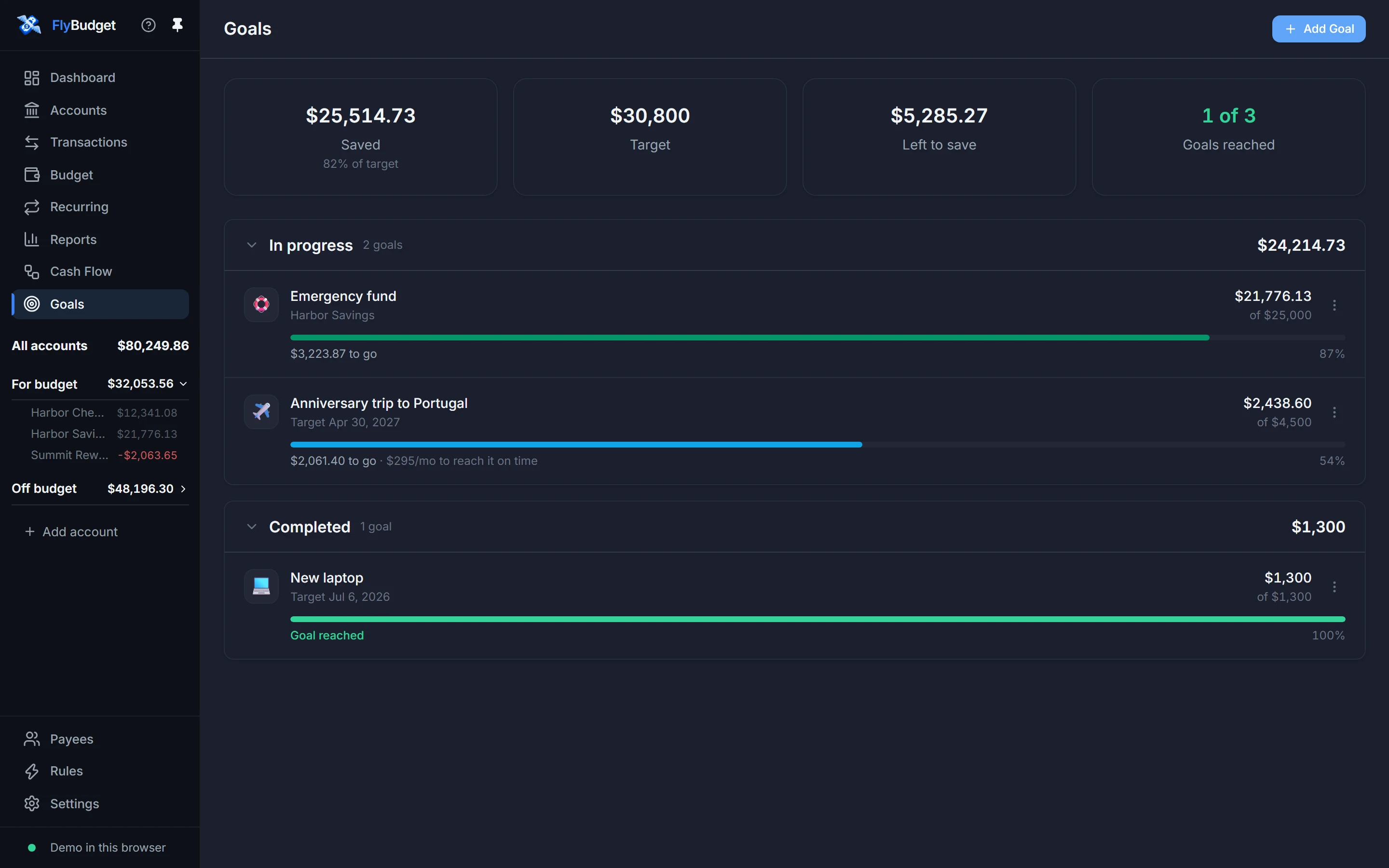
The cards at the top add up how much you've saved across all your goals (and what share of the total that is), your combined targets, what's left to save, and how many goals you've reached. Below, goals are listed In progress and Completed.
Adding a goal
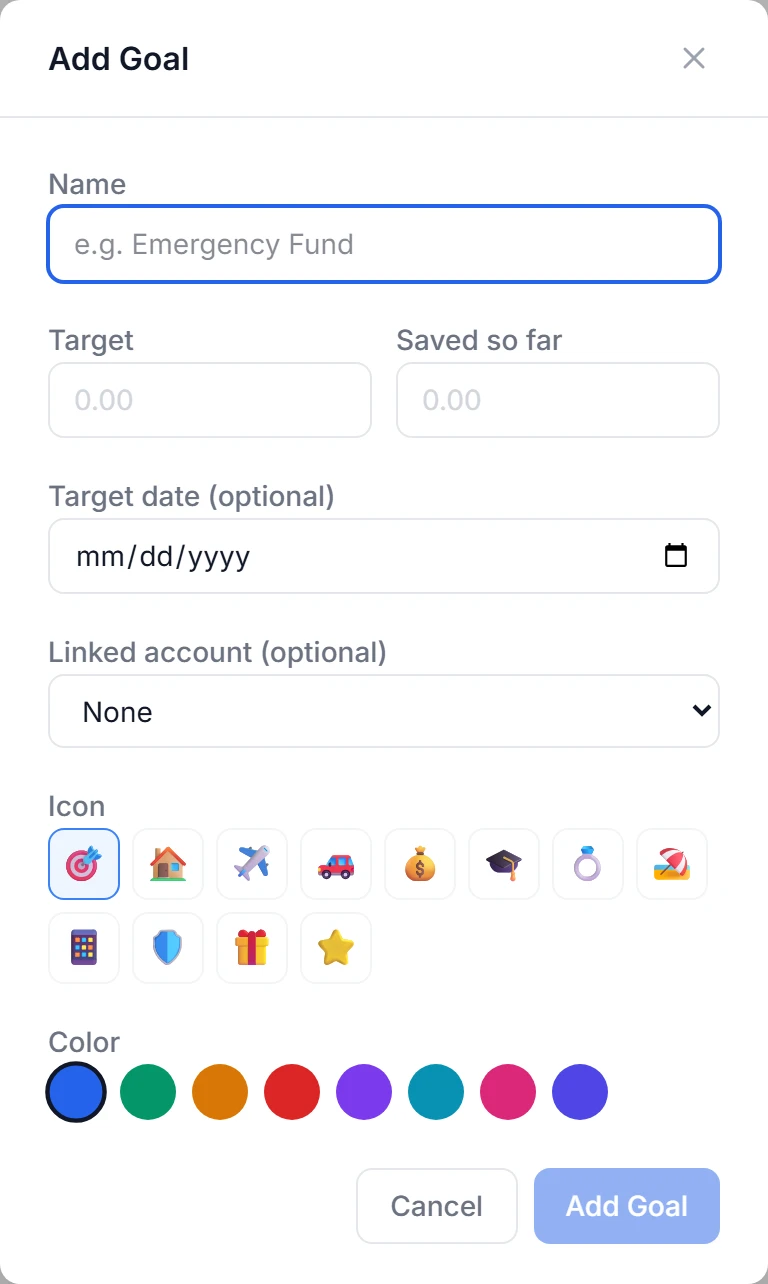
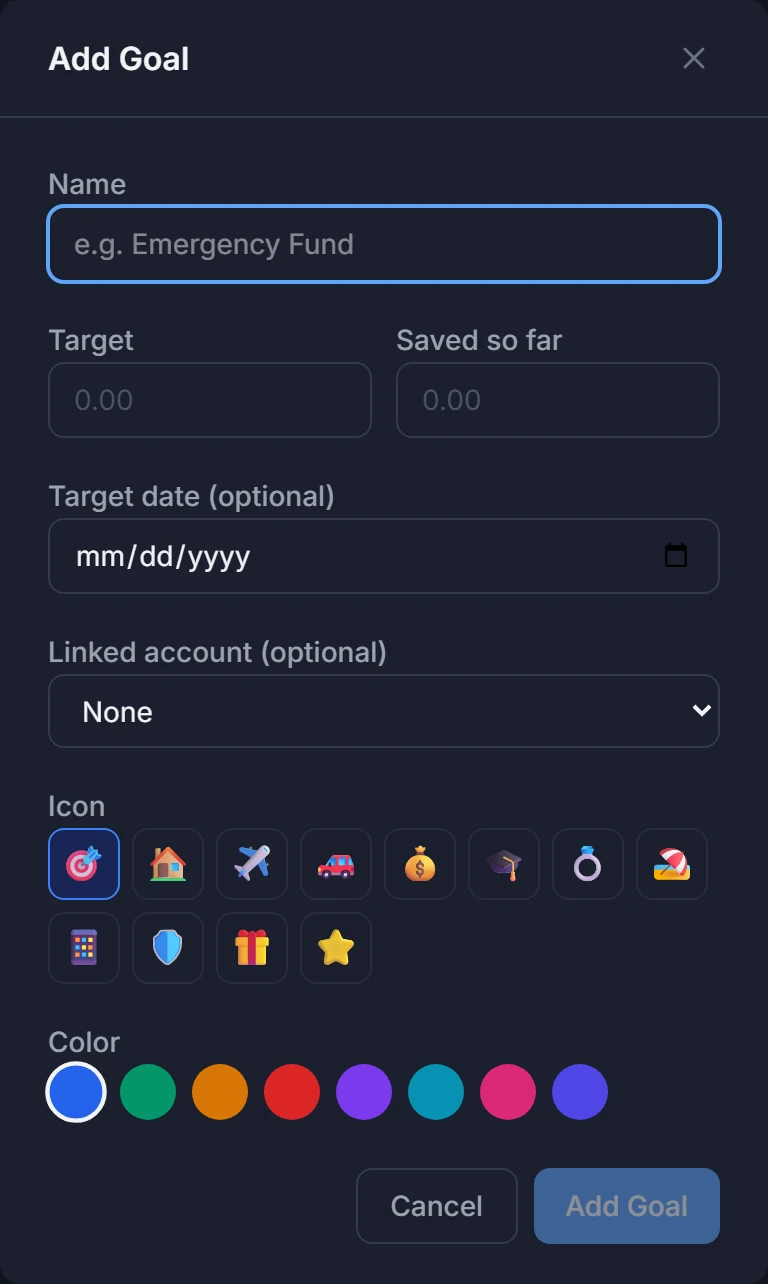
Choose Add Goal and enter:
- Name and Target amount.
- Saved so far, if you've already started.
- A Target date (optional). FlyBudget works out how much to set aside each month to reach the goal on time, and shows it under the progress bar ("$170/mo to reach it on time").
- A linked account (optional). The goal's progress then follows that account's balance, so it updates by itself as you save. Useful for a savings account you keep for one purpose.
- An Icon and Color to tell your goals apart at a glance.
Updating progress
For a goal without a linked account, edit it from its ⋮ menu and change Saved so far as you save. When you reach the target, the goal moves to Completed and says Goal reached.
Goals and your budget
Goals don't move money on their own. To save toward one each month, plan the amount in a savings category on the Budget (the demo budget has a Savings Goals group for this), and transfer it to the savings account the goal follows.