

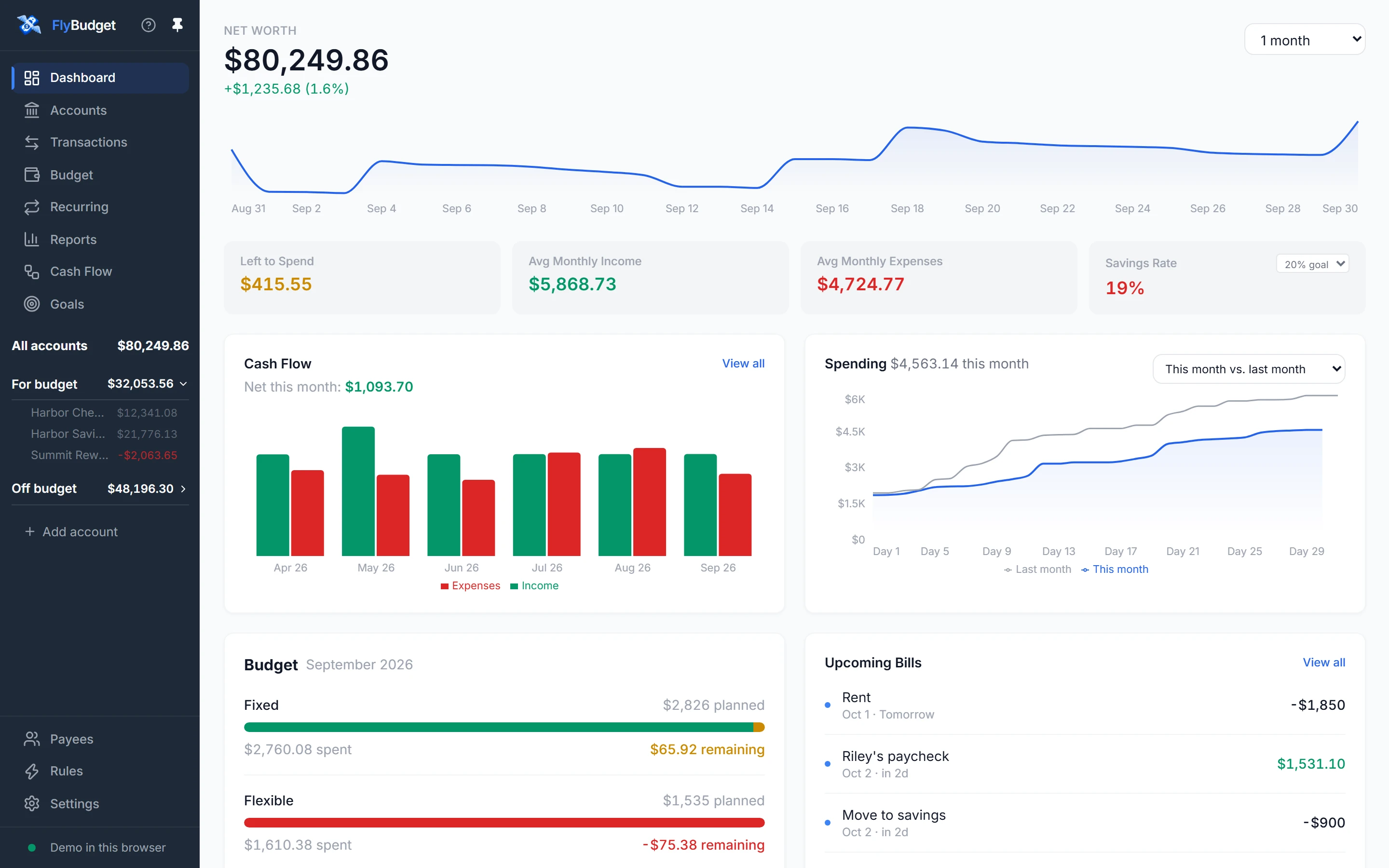
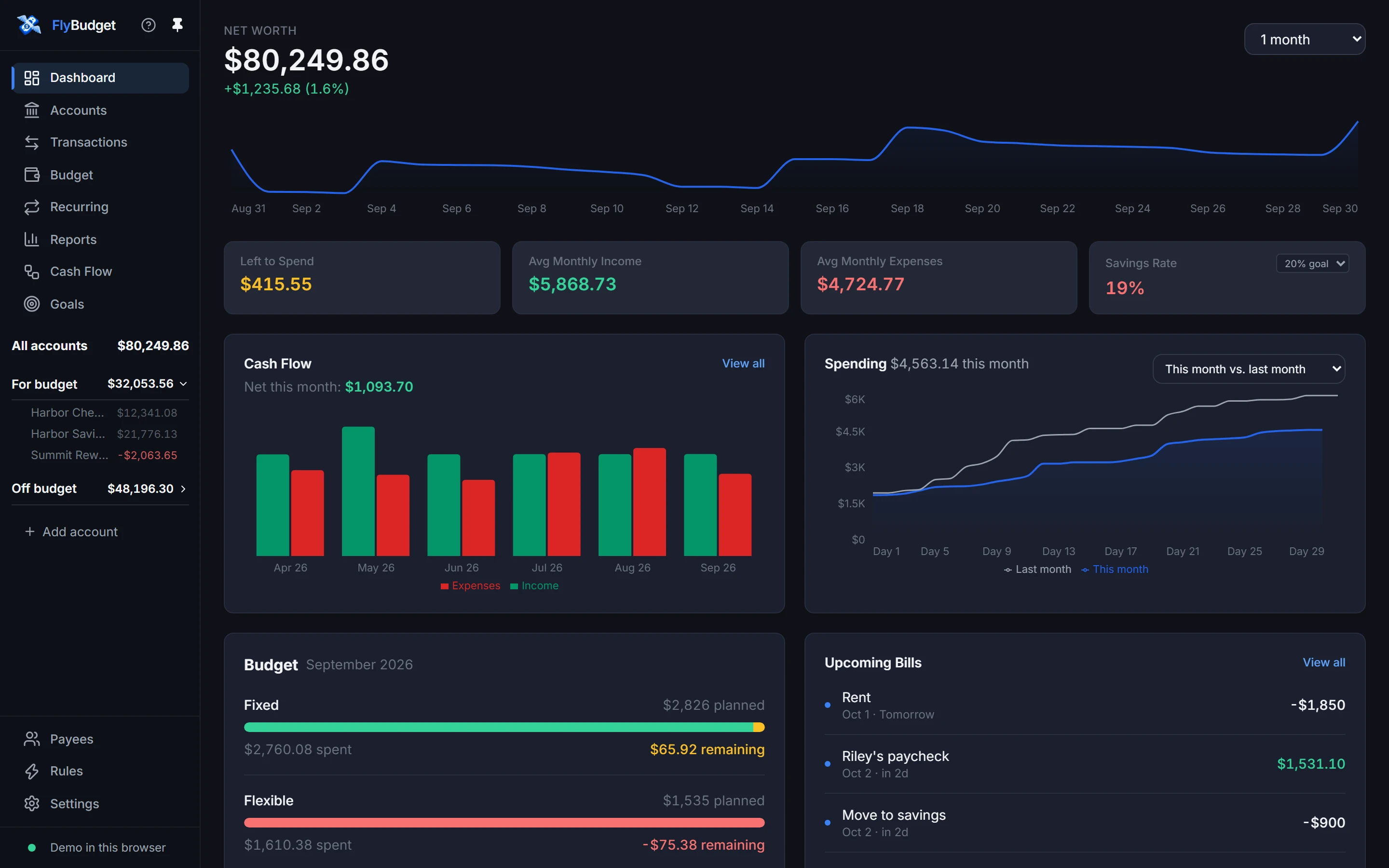
Stop wondering where your money went.
Open FlyBudget and it’s all right there: what came in, what went out, what’s left to spend and which bills are coming up. Give every dollar a plan, and the end of the month stops being a surprise.
Give every dollar a job
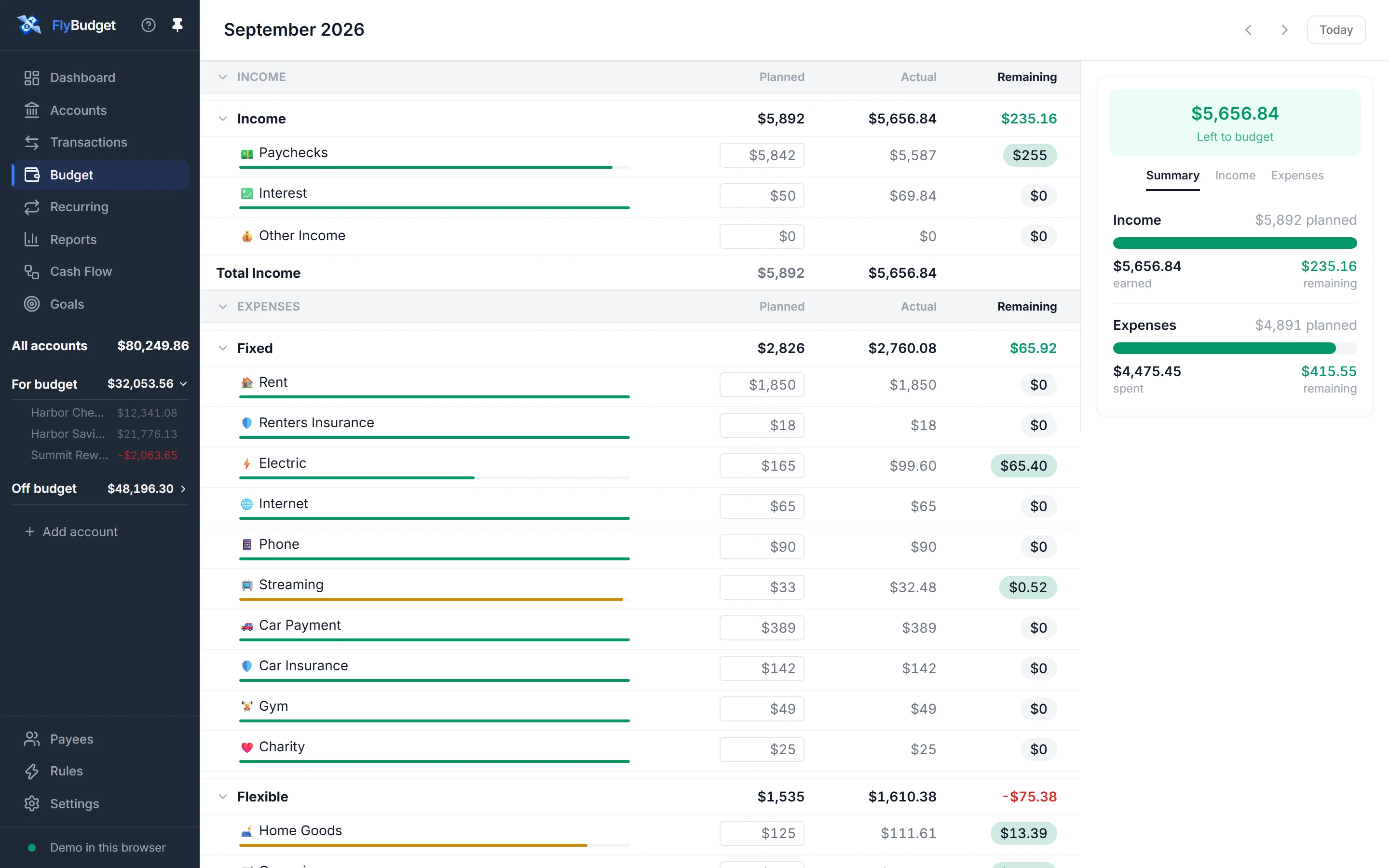
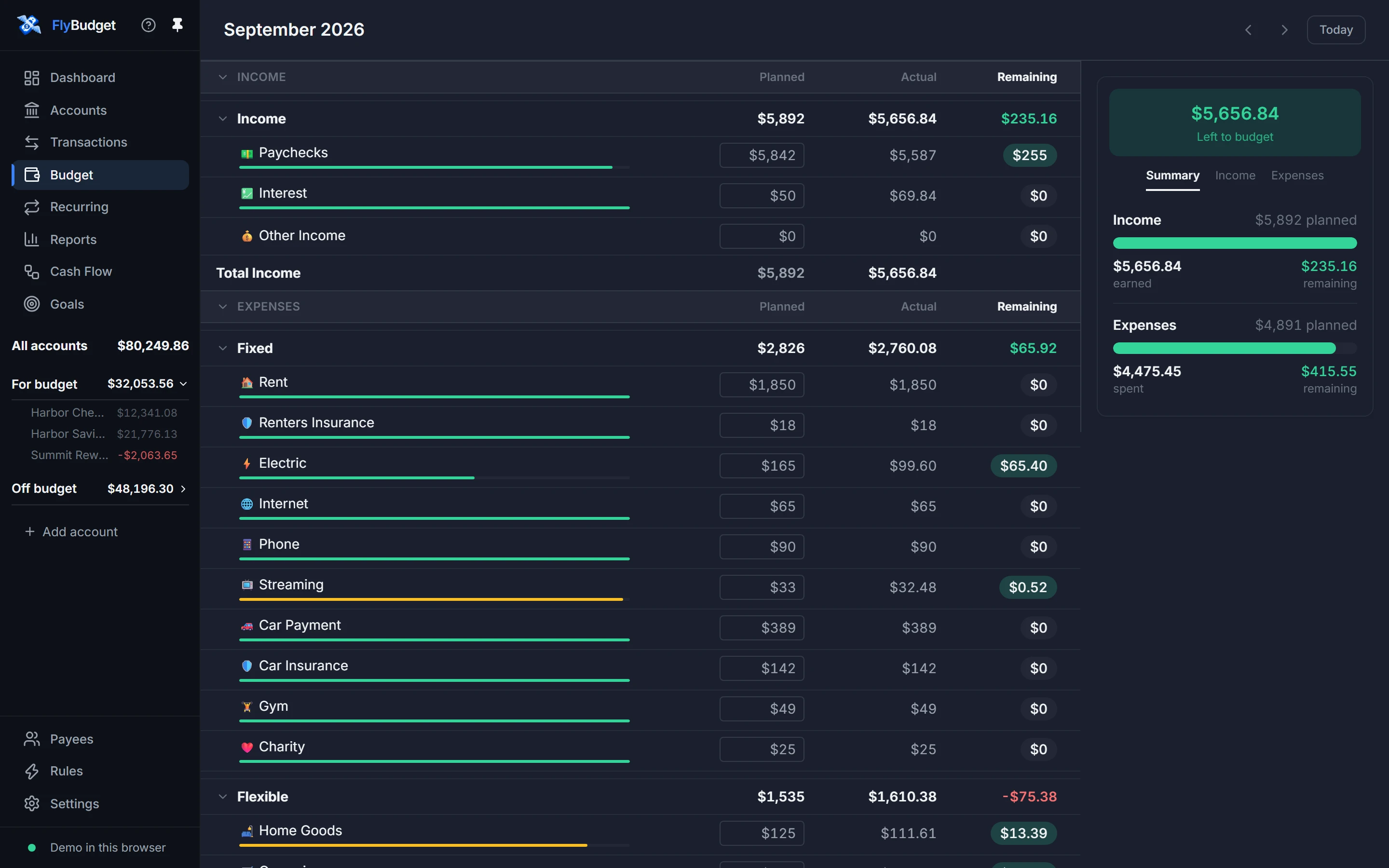
Plan the month category by category, and watch what’s left as you spend. Bars turn amber as a category gets close to its plan and red when it goes over, so you can adjust before the month ends.
- Planned, actual and remaining for every category
- Money you haven’t planned carries into next month
- Each category’s history is one click away
Sort transactions once, then never again
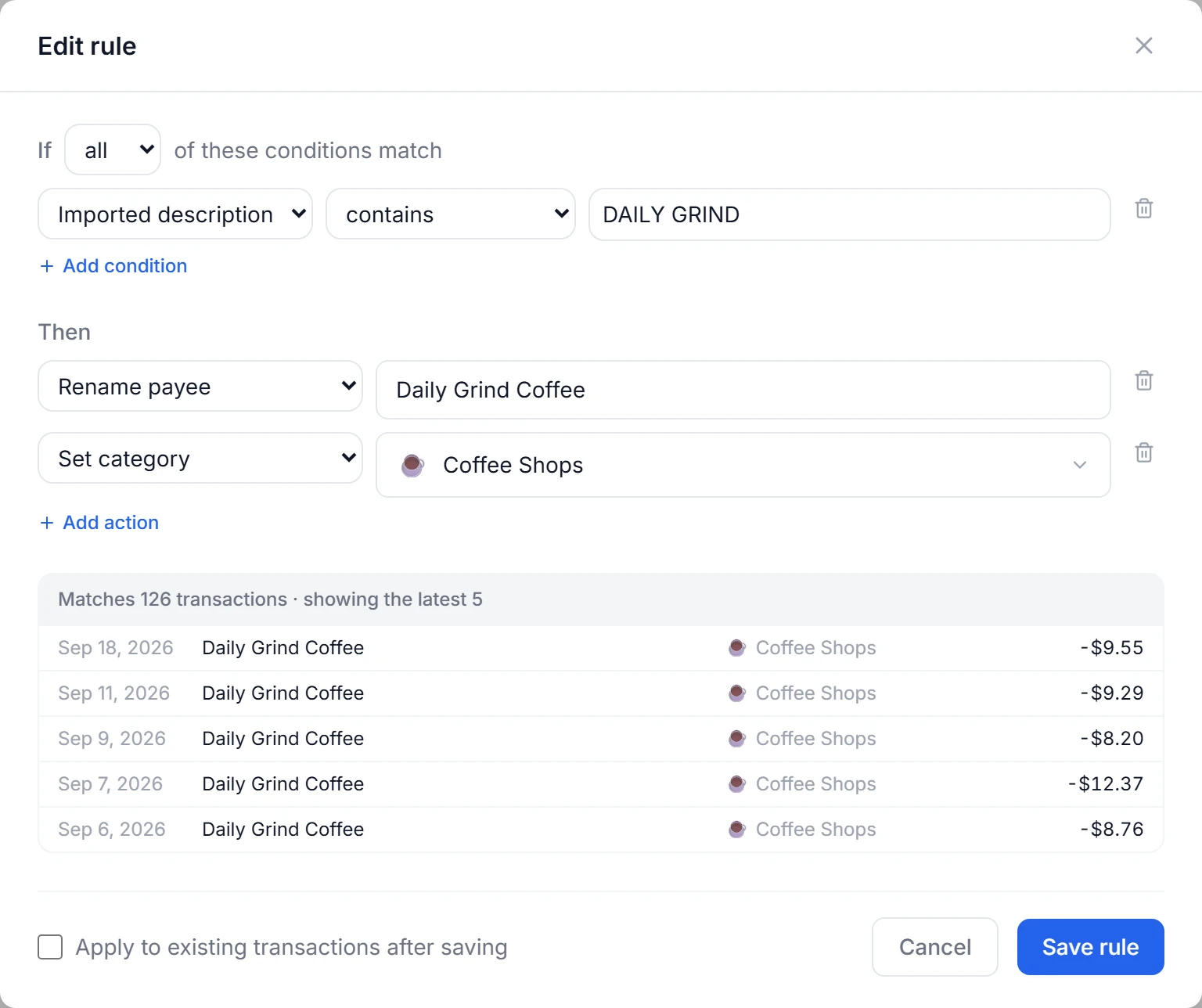
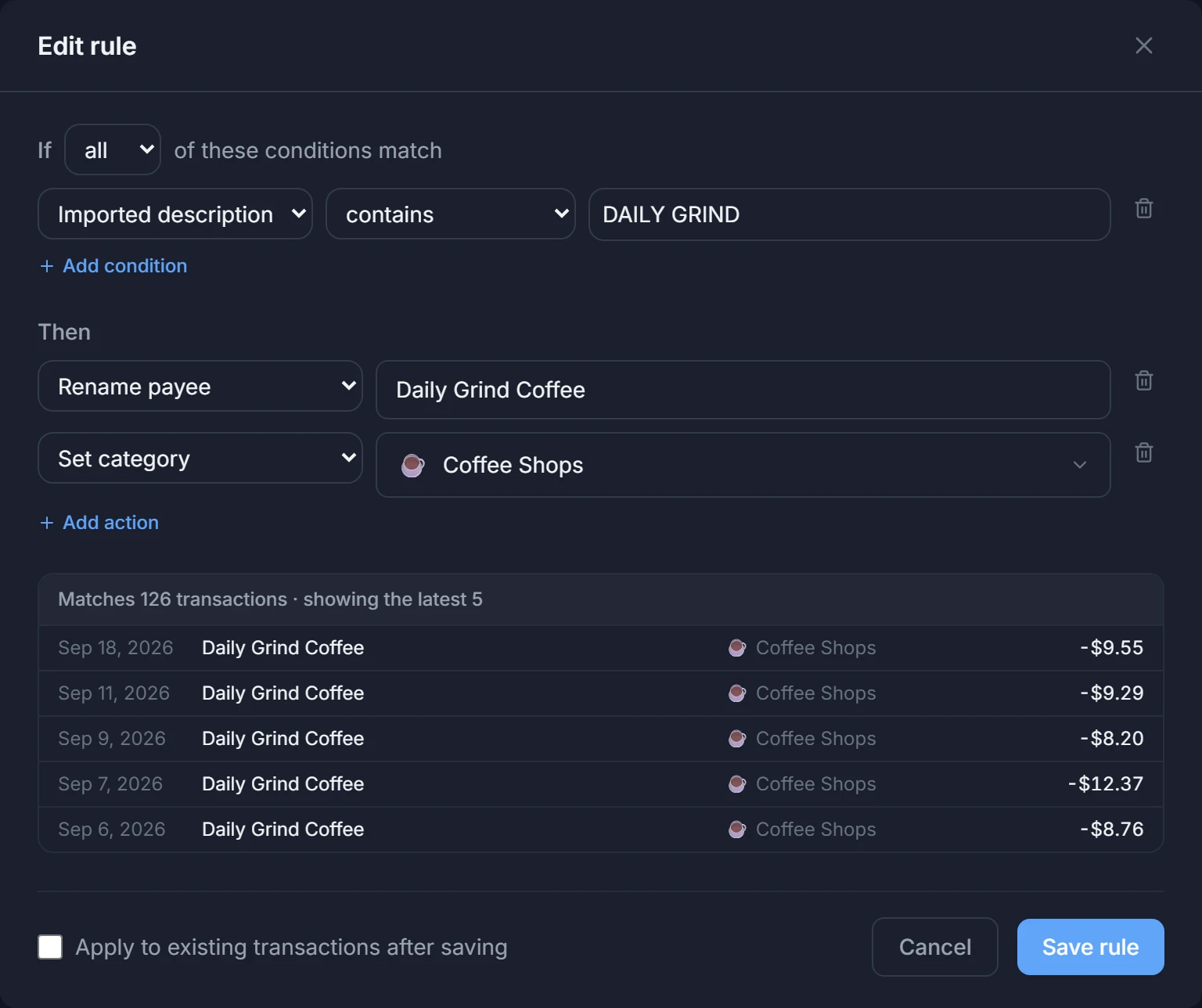
Write a rule in plain words, see which past transactions it matches while you type, and let it rename, categorize or split everything that comes in after.
- Matches bank text, payees, amounts, dates and more
- Splits by amount or percentage
- Runs on imports, bank syncs and what you type
Reports you arrange yourself
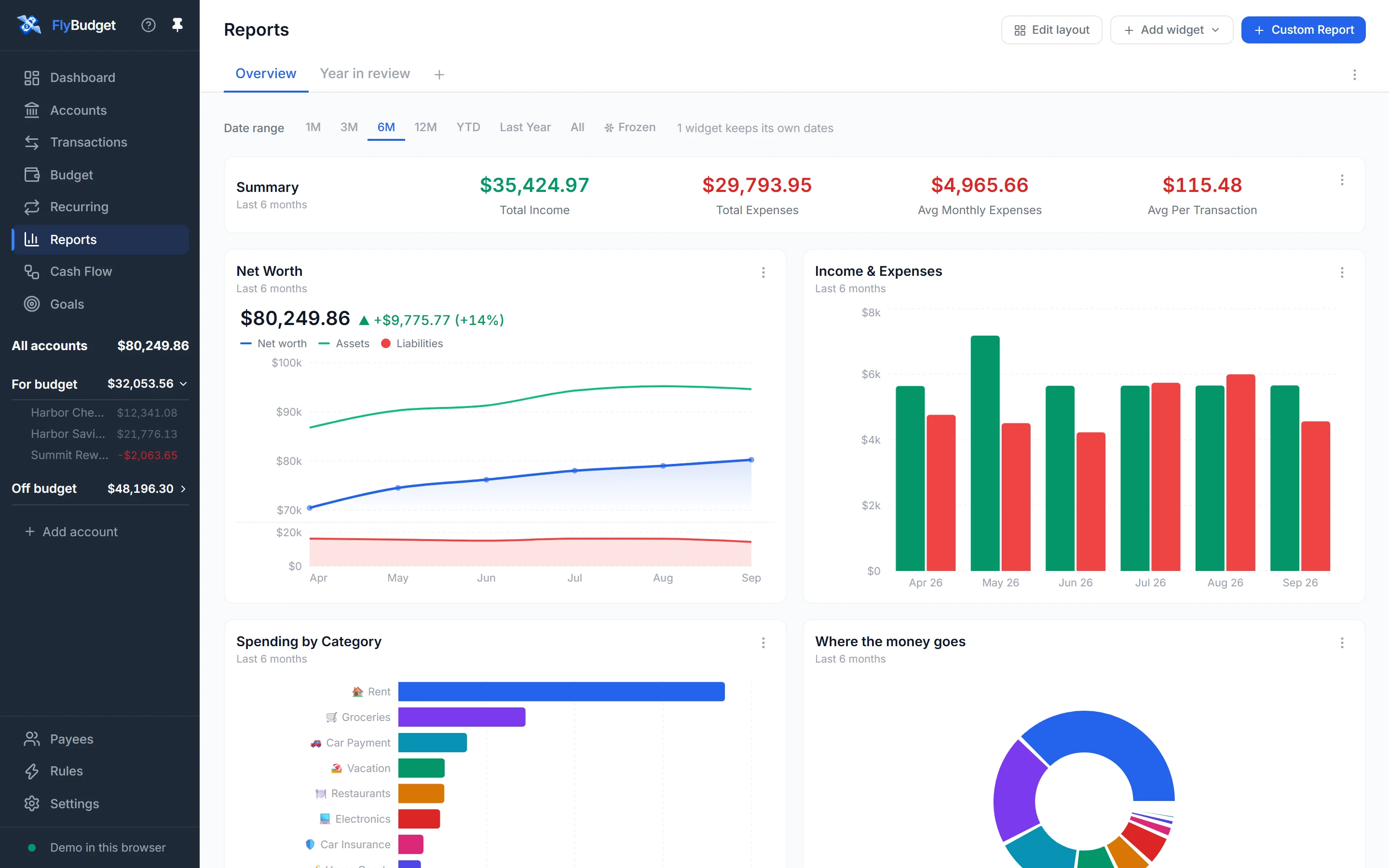
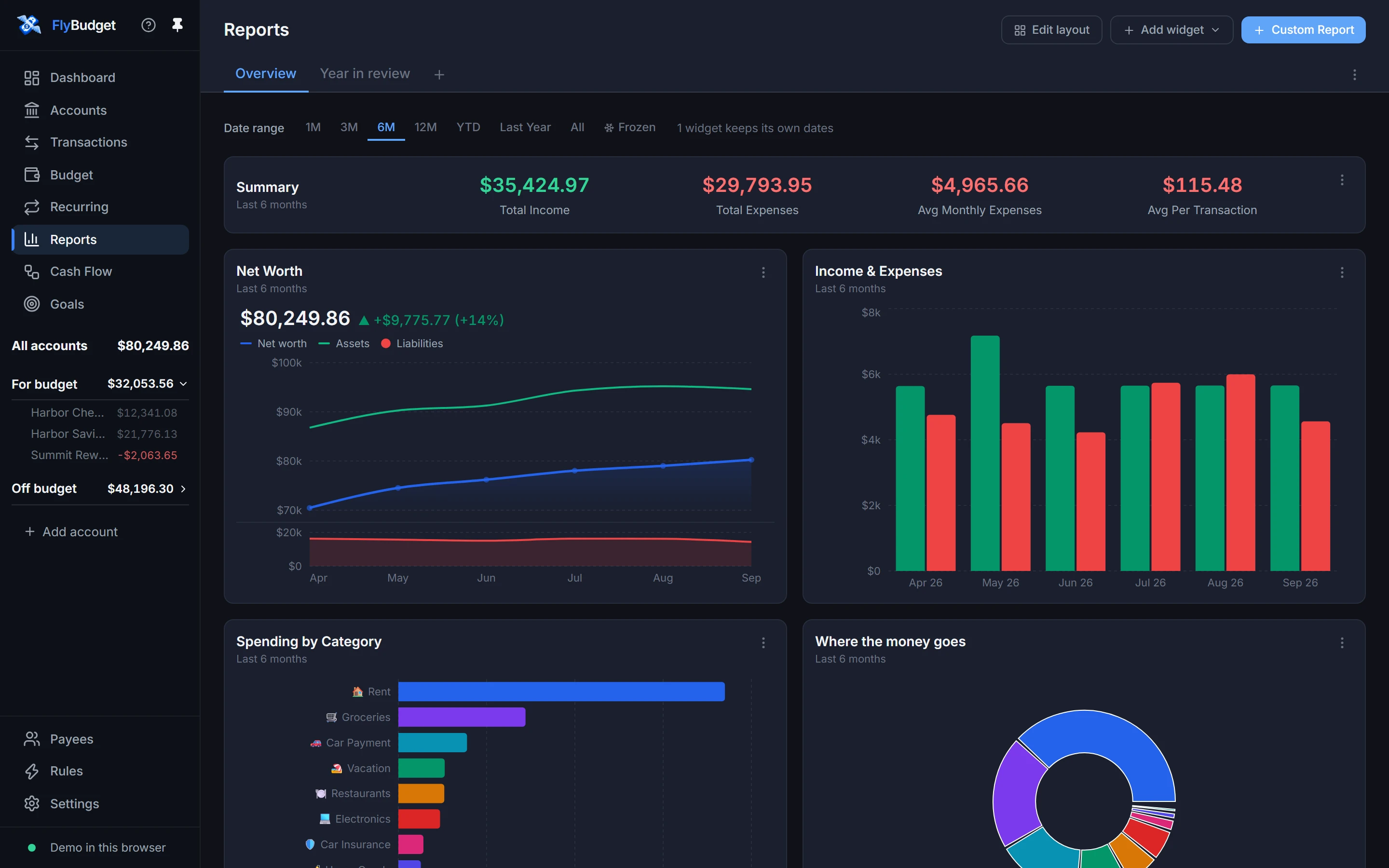
Build dashboards from net worth, income and expenses, spending trends, a transaction calendar and your own custom reports. Drag them into place, and give each one the dates you care about.
- Several dashboards, each with its own date range
- A report builder for everything else
- Every number exports to CSV
Follow every dollar
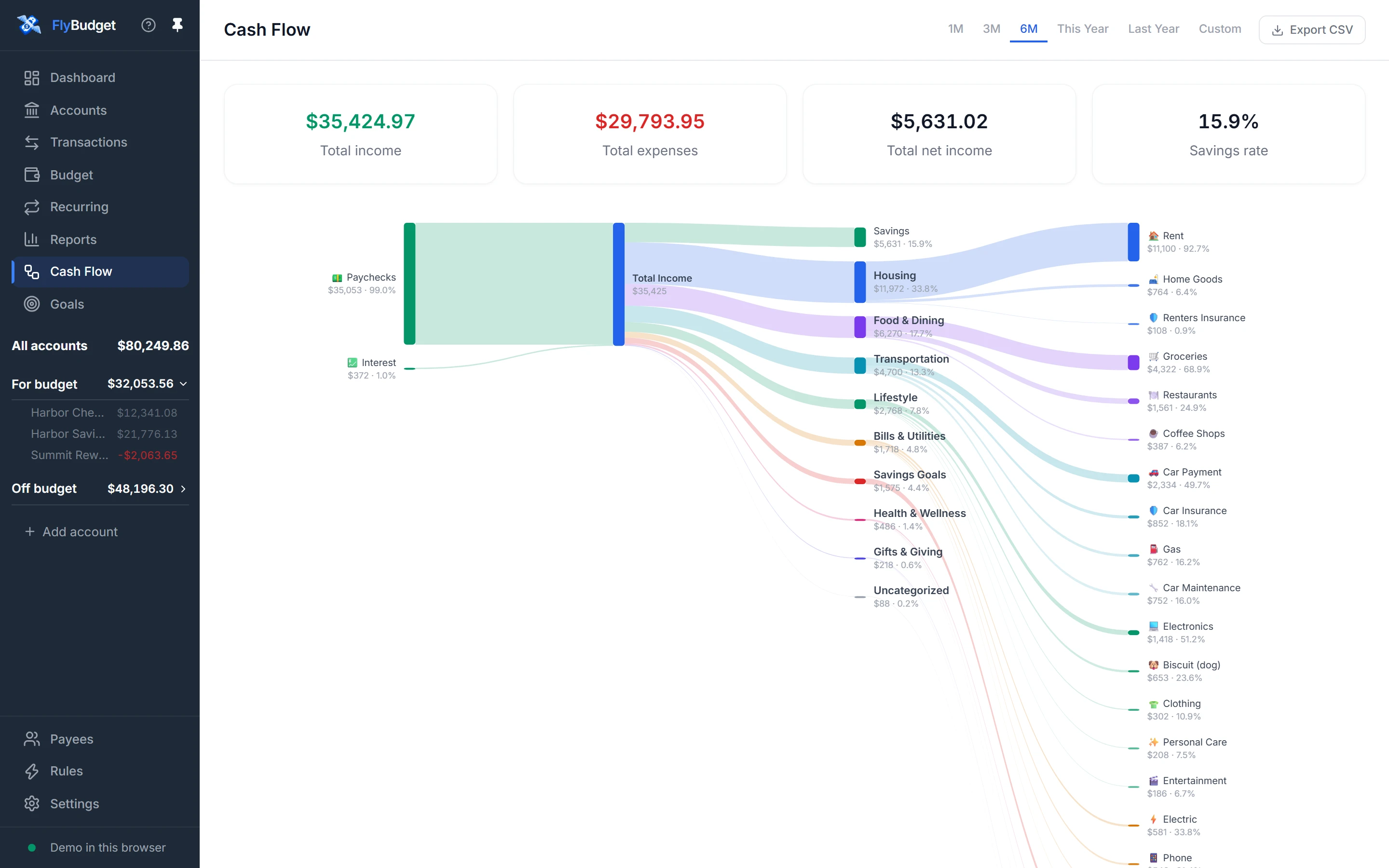
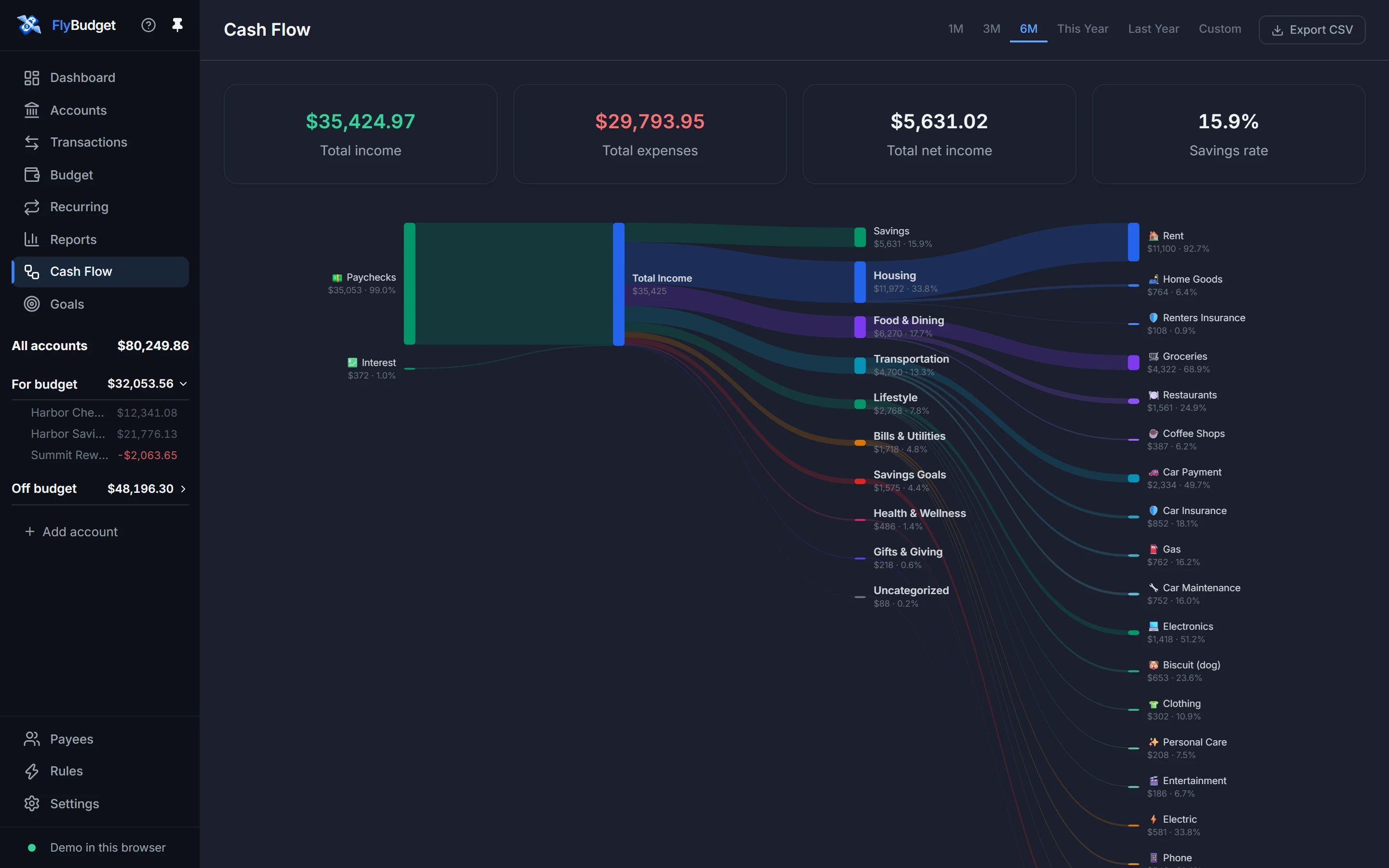
Cash Flow draws your income flowing into each group of spending and on into single categories, with what you saved on top: one picture of where the month went.
- Any period, from one month to a year
- Totals and your savings rate at the top
On your phone, too
Run FlyBudget on a server of your own and open it from any browser. Every page has a layout made for small screens, and transactions you add without a connection are saved as soon as it’s back.
Using FlyBudget on your phone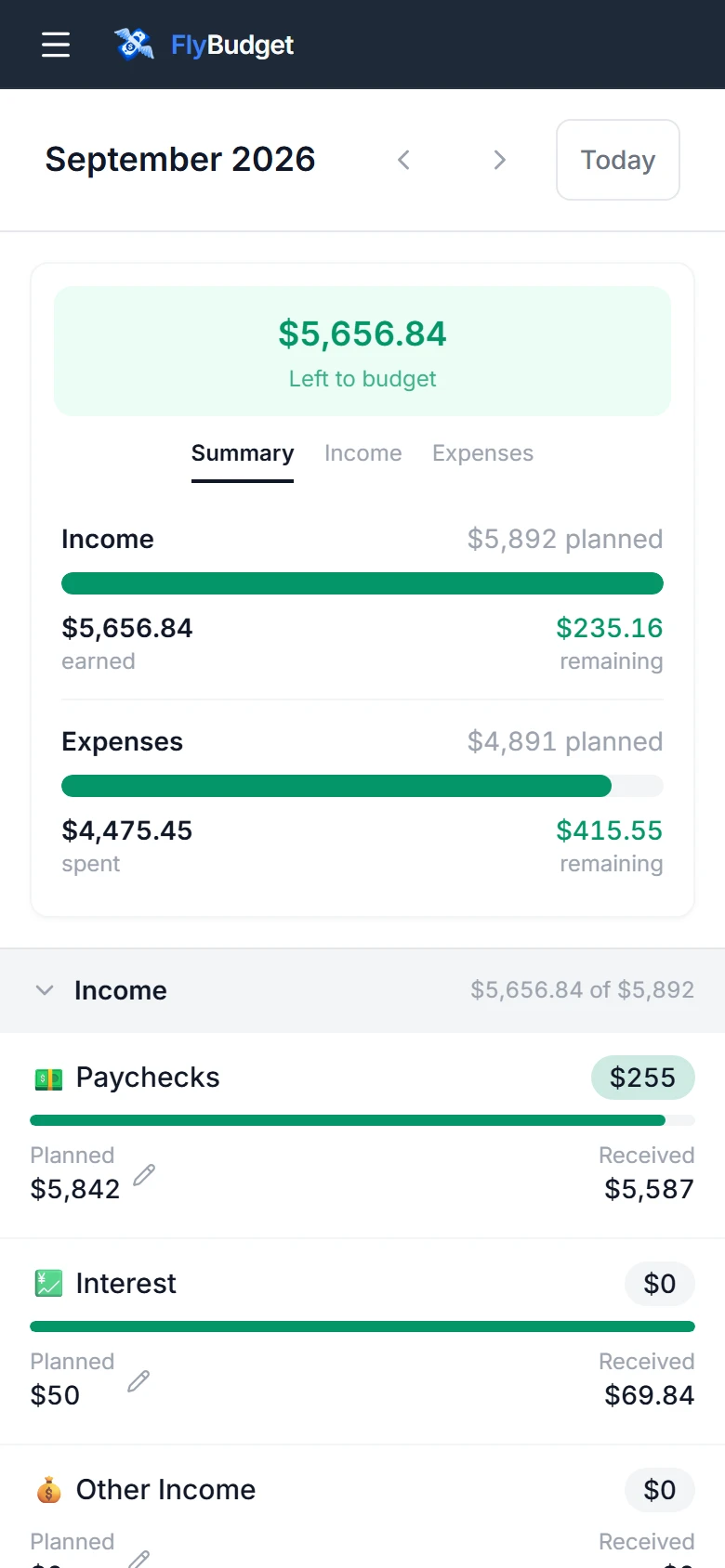
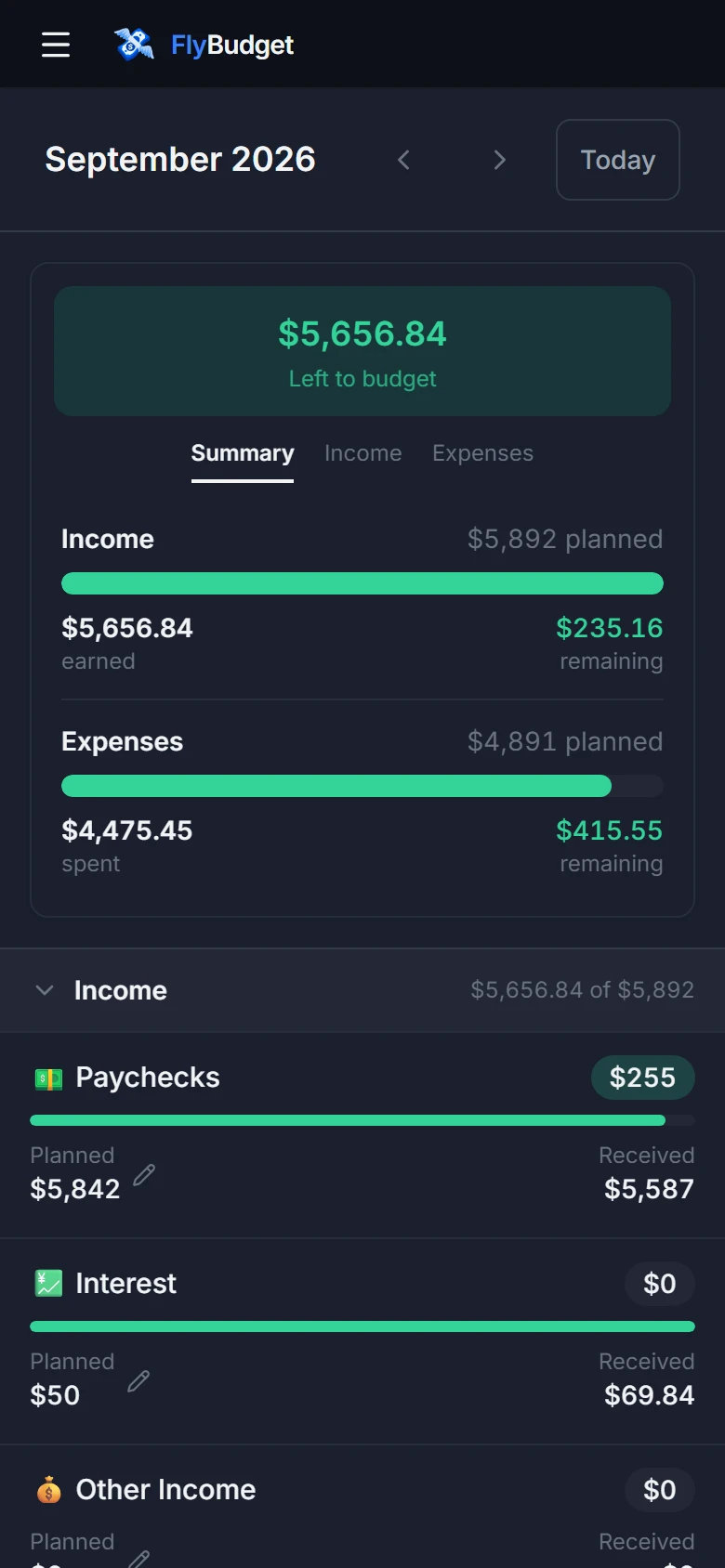
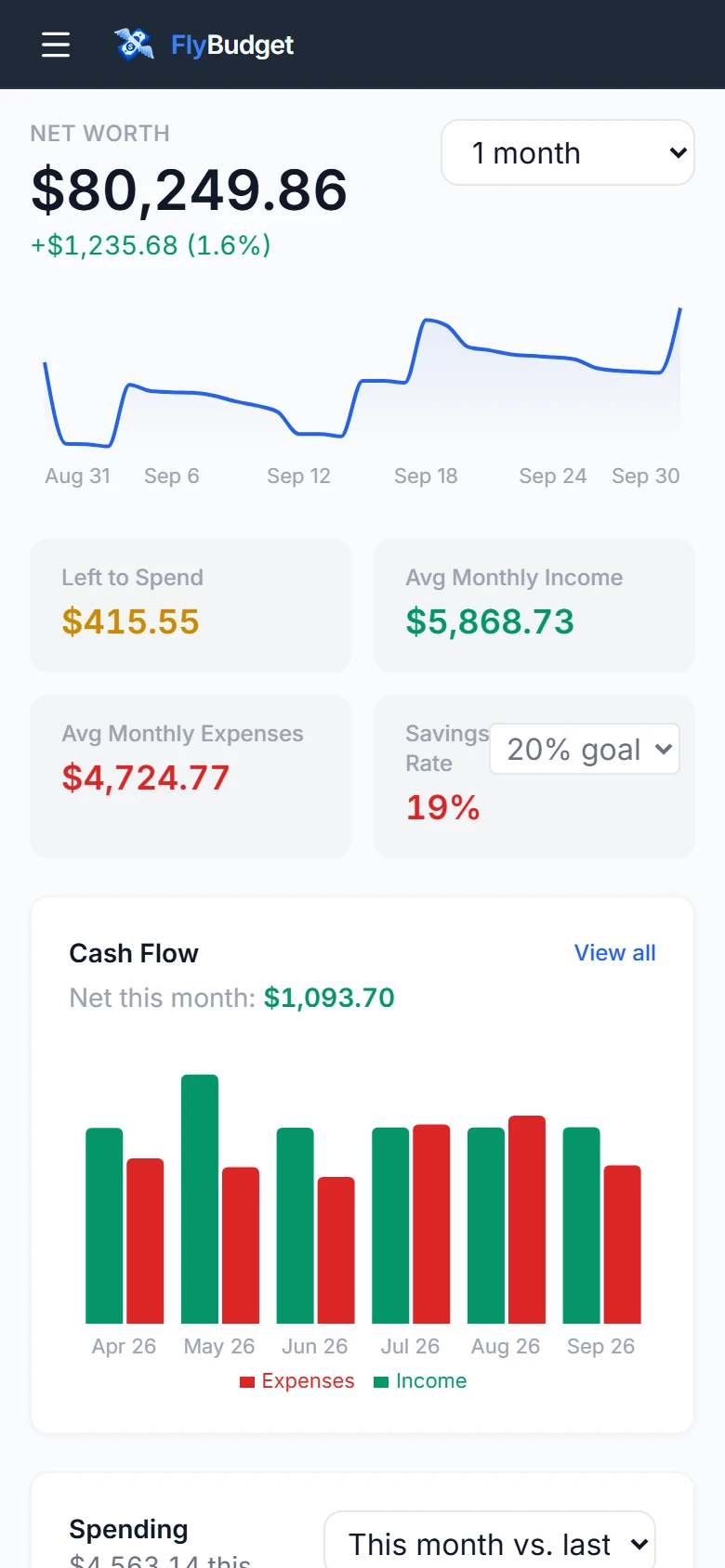
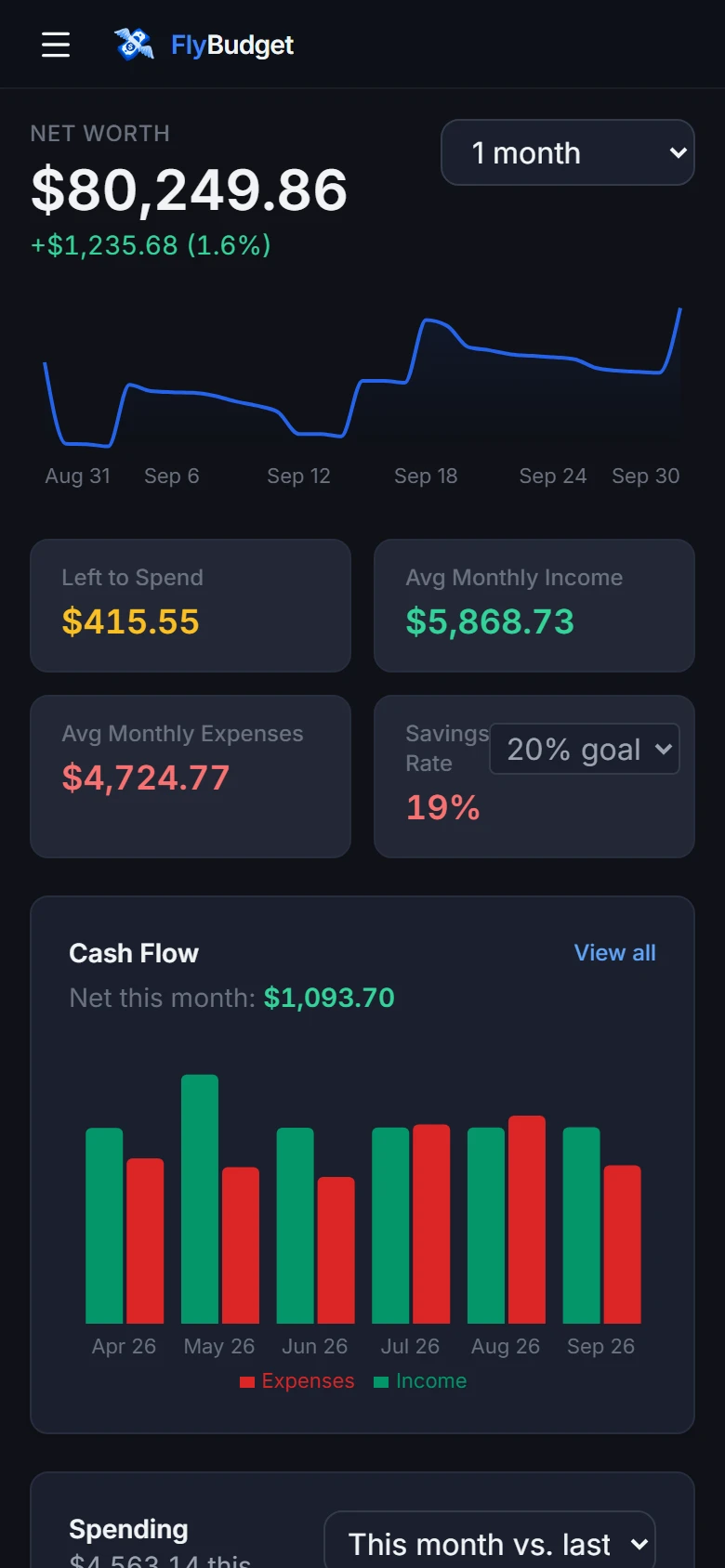
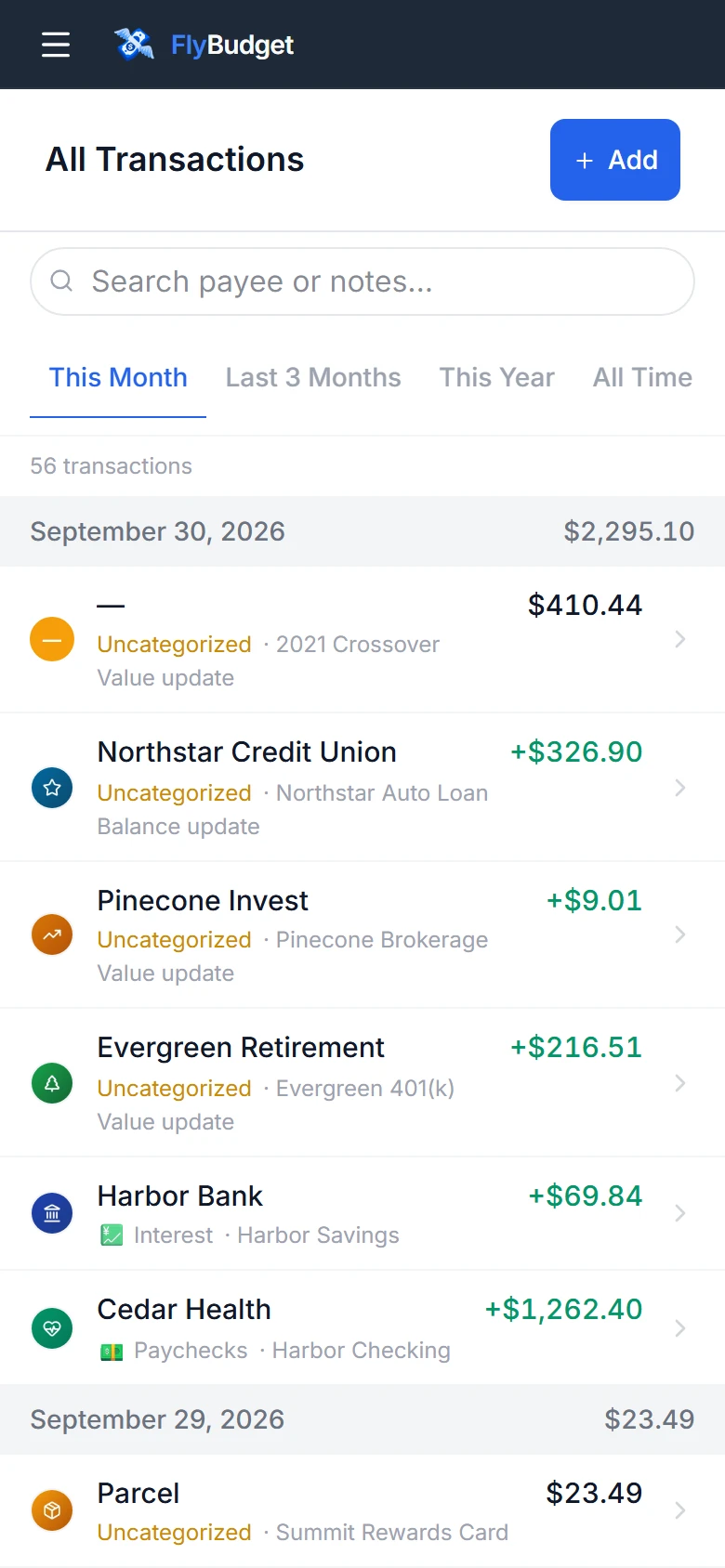
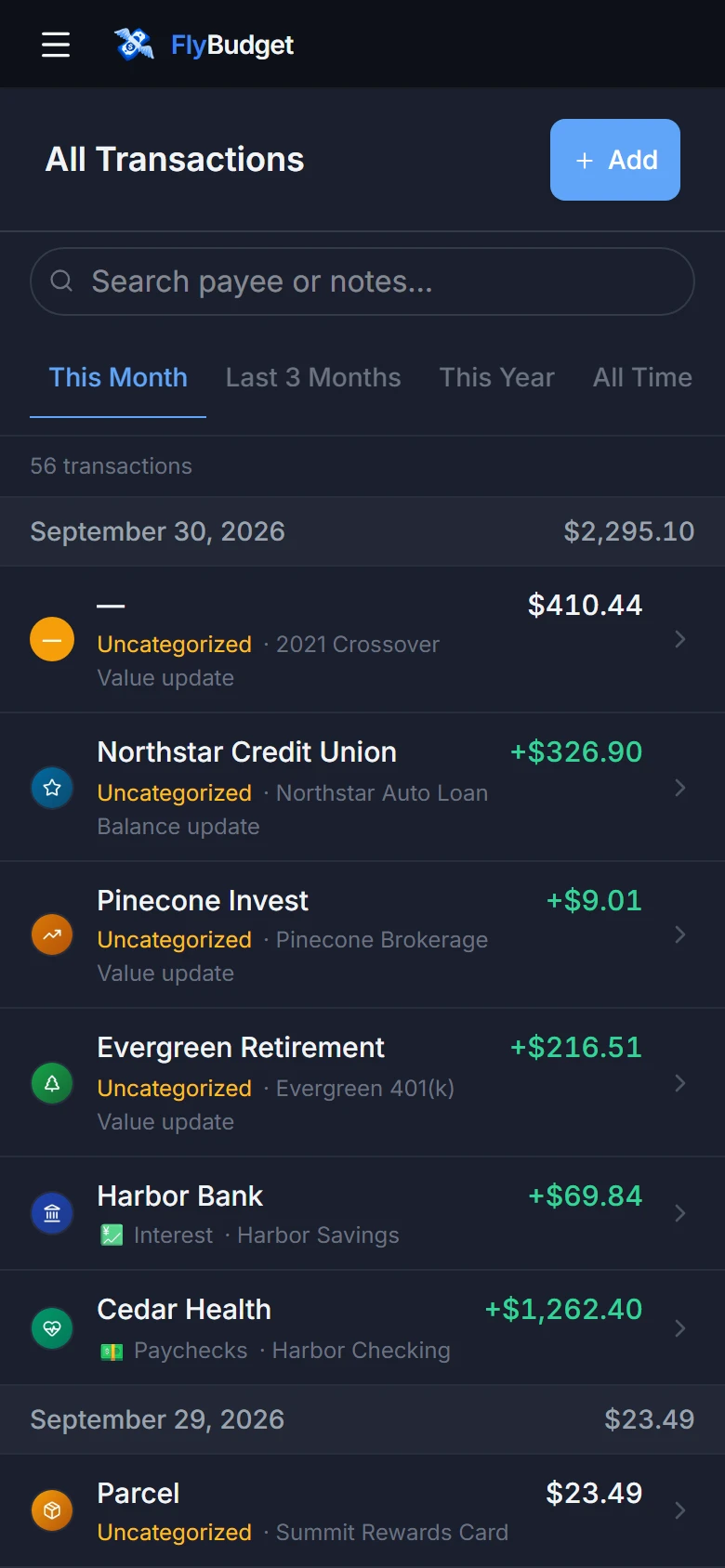
It runs in your browser: nothing to install, and nothing you change is saved.

Why FlyBudget?
Plan every dollar
Give each dollar a category at the start of the month. What you don't spend carries over, so you always know what's left.
How budgeting worksConnect your bank
Bring in transactions automatically with SimpleFIN or Plaid, or import a CSV file from your bank. Syncing is optional.
Connecting a bankLet rules do the sorting
Rules categorize, rename and split new transactions for you, whether you type them in, import them or sync them.
How rules workSee bills before they’re due
Keep track of bills, subscriptions and paychecks. FlyBudget can find the ones that repeat in your past transactions.
Tracking recurring billsUnderstand your spending
Net worth, income and expenses, spending by category and a transaction calendar, on dashboards you arrange yourself.
Using reportsSave toward goals
Set a target for an emergency fund, a trip or a down payment, and watch your progress as you save.
Setting goalsOwn your data
Your budget lives in one file on your computer, or on a server you run. There's no FlyBudget account, no subscription and no tracking, and you can download a full backup whenever you like.